

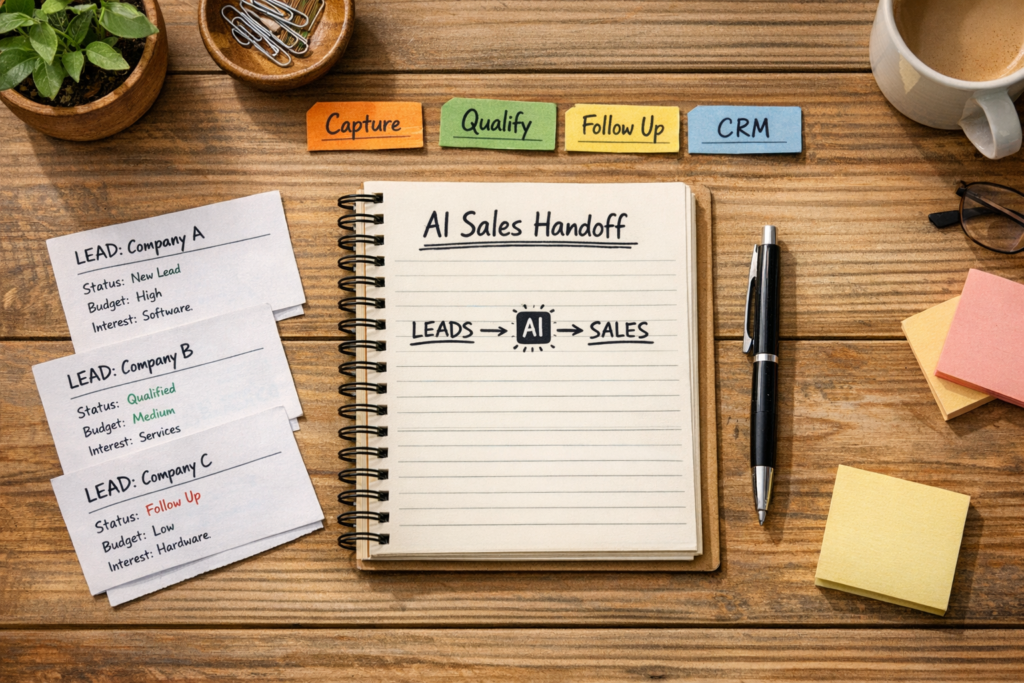
An AI sales engine is not a collection of prompts, integrations and automated messages. It is a controlled path that moves a lead from first contact to an owned next action, while keeping the CRM accurate enough for people to work from and managers to make decisions.
The safest way to build one is to define the sales process first, then assign AI narrow jobs inside that process. A useful first version may summarize an inquiry, identify missing information, classify service interest, update selected CRM fields and prepare a follow-up draft. It should not be expected to solve unclear qualification rules or compensate for missing ownership.
When the underlying workflow is vague, automation increases the speed of confusion. When the lead path, business rules, review points and data responsibilities are clear, AI can reduce repetitive work without hiding important judgment calls.
Define the sales engine as a business process
Start by describing the engine in terms of business states rather than tools. A lead may be new, incomplete, ready for qualification, accepted by sales, waiting for a response, or closed. Each state should have a clear meaning, an owner and a next action.
A CRM stage should represent a meaningful business state, not simply an activity someone performed.
This distinction matters because many sales workflows treat actions as progress. Sending an email does not necessarily mean a lead is qualified. Creating a task does not mean the task has an owner. Moving a record to a new stage does not make the underlying information reliable.
Write down the path from lead capture to first human action. For each stage, answer four questions:
- What condition moves the lead into this state?
- What information must be present?
- Who owns the next decision or action?
- What should happen if the condition is not met?
This creates the operating logic that automation can follow. It also exposes disagreements before they become technical problems.
Separate AI tasks from sales decisions
AI is most useful when its job is specific and its output has a destination. “Manage incoming leads” is too broad to test or govern. “Summarize the inquiry into three fields and identify which required details are missing” is a defined task.
Useful AI jobs in an early sales workflow may include:
- Summarizing a form submission, email or call note.
- Classifying the inquiry against a fixed set of service or product categories.
- Extracting company, contact, location, budget or timing information when those fields are relevant.
- Identifying missing information and creating a review task.
- Drafting a response for a person to approve or edit.
- Suggesting a next step while recording the evidence used for the suggestion.
These tasks support sales judgment without pretending to replace it. The business still needs to define what counts as a qualified lead, which categories are valid, and when a person must review the record.
AI output is operationally useful only when someone knows what to do with it. Every generated summary, classification or recommendation should map to a field, queue, task or review decision.
A practical decision rule is simple: automate an AI task when the input is available, the expected output is defined, the destination is known and an exception path exists. If any of those four conditions is missing, clarify the process before adding the automation.
Build a lead operating model
A small operating model keeps the first implementation focused. For each lead source, document five connected elements: source, qualification, owner, next step and record update.
Qualification and ownership
Define what makes the lead relevant, what requires review, who owns the decision and when the lead should be returned or reassigned.
Data and action
Define which fields are written, which stage is allowed, what task is created, and what notification is worth sending.
Consider a website inquiry for a consulting service. The source provides the initial context. A qualification rule may require a valid business need and enough information to determine the appropriate service area. Ownership may be assigned by service category or territory. The next step may be a review call or a request for missing details. The CRM update may include a normalized service category, a short summary, a source value and a task due date.
That sequence is more useful than a generic instruction to “use AI to qualify leads” because each part can be inspected. If the assignment is wrong, the routing rule can be examined. If the summary is weak, the input or prompt can be reviewed. If the task is ignored, the handoff may be poorly designed.
Start with one reliable handoff
The first version should prove one path, not automate every possible sales scenario. Choose one lead source and one handoff that occurs often enough to review in real use.
For example, a new form submission could be checked for required information, summarized, classified by service interest, written to the CRM and assigned to a salesperson. A draft response may be attached for review. The system should notify the person responsible for action, not every person connected to the CRM.
This narrow scope makes it possible to inspect actual records. The team can ask whether the summary is accurate, whether the category is useful, whether the owner is correct and whether the task contains enough context. Those answers are more valuable than a large automation that no one can confidently explain.
Design human review as part of the workflow
Human review is not a failure of automation. It is a control that keeps uncertain or consequential cases visible. The review point should be defined in advance, with a clear queue, owner and expected decision.
Route a lead for review when it has missing required information, multiple possible service categories, an unfamiliar request, a conflicting CRM record or an unclear ownership outcome. A high-priority or commercially sensitive inquiry may also require review before an external message is sent.
Do not create a review queue that becomes a second inbox with no operating rules. Specify who checks it, how often it is checked, what decisions are available and what happens after the decision. If a reviewer changes an AI classification, the corrected value should be stored in the right CRM field rather than left only in an internal comment.
- Is the original lead context still available?
- Can the reviewer see why the record was routed?
- Is the required decision clear?
- Does the decision update the business record?
- Is ownership transferred explicitly when needed?
Protect CRM quality and reporting usefulness
An AI sales engine depends on the CRM as its shared record. If fields are inconsistent, stages are used as personal reminders and ownership is stored in scattered notes, the automation will produce unreliable downstream work.
Define which fields are authoritative. Keep categories controlled where possible. Distinguish between the original customer language, an AI-generated interpretation and a human-approved business value. This preserves context while preventing an unreviewed suggestion from being treated as fact.
Reporting should also support a decision. A report may help managers identify unowned leads, stalled handoffs, incomplete records or an overloaded review queue. It should not exist only because the CRM can display another chart.
For businesses using a CRM to manage this structure, a clear pipeline and data model are usually more important than adding another AI feature. ConsultEvo’s CRM consulting service focuses on CRM architecture, lead management, pipeline design and connected automation.
Connect tools only after the logic is stable
The tools may include a form platform, CRM, email system, workflow automation service and AI model. Their names are secondary. The important questions are what event starts the process, what data is passed between systems, which system owns each value and what happens when a step fails.
For instance, an integration may create a duplicate contact if it cannot identify an existing record. An AI step may return a category outside the approved list. A notification may be delivered even though the CRM update failed. These are systems-design issues, not merely prompt issues.
Use error handling that is visible to the people responsible for operations. Log failed records, preserve the source data and provide a way to retry or correct the workflow. If a workflow platform is appropriate for the process, Zapier automation consulting can help connect business systems while keeping the trigger, action and exception logic explicit.
Evaluate the engine by operational usefulness
Assess the workflow through observable changes in daily work. Are leads reaching the right owner with enough context? Are people spending less time copying information between systems? Are CRM records easier to trust? Are uncertain cases visible instead of silently misclassified?
Review a sample of records with the people who use the process. Compare the original inquiry with the summary, category, owner and task. Look for recurring corrections. Those corrections indicate where the qualification rule, field definition, routing logic or AI instruction needs improvement.
The right goal is not maximum automation. It is a dependable handoff with less manual effort and better visibility. A sales engine is ready to expand when the first path is understood, owned, measurable and recoverable when something goes wrong.
Automation should remove repeated work around a clear sales decision, not conceal the absence of one.
Once the process is stable, add another lead source or another narrowly defined AI job. Keep the same discipline: define the business state, assign ownership, specify the data update and preserve a human route for uncertainty.
Frequently asked questions
What is an AI sales engine?
An AI sales engine is a connected sales workflow that uses AI for defined tasks such as summarizing inquiries, classifying leads or drafting follow-up, while CRM rules, ownership and human review control the process.
Should AI qualify every sales lead automatically?
No. AI can support qualification when the business has defined categories and decision rules, but incomplete, unusual or uncertain leads should move to a human review path.
What should be automated first in an AI sales workflow?
Start with one reliable handoff, such as turning a website inquiry into a complete CRM record, an assigned owner, a useful summary and a clearly defined next task.
How does CRM quality affect AI sales automation?
AI depends on the information it receives and the fields it updates. Inconsistent stages, unclear ownership and incomplete records make routing, reporting and follow-up less reliable.
How can a business measure whether an AI sales engine is working?
Review whether leads reach the right owner with enough context, whether repetitive data entry decreases, whether records are more consistent and whether exceptions are visible and resolved.
Design a sales engine your team can trust
If your lead handling is slowed by unclear qualification, manual CRM updates or weak handoffs, ConsultEvo can help define the process and implement automation around it.