


Temporary Automations Can Create Lasting Operational Risk
Small automations are often where good operations begin. A founder connects a form to a CRM. A sales manager creates a quick follow-up workflow. A support lead uses an AI agent to summarize tickets. An operations person builds a Make or Zapier scenario to stop the team from copying and pasting the same details every morning.
These are practical improvements. They save time, reduce manual work, and help teams test better ways of operating.
But there is a hidden issue that shows up when the workflow is treated as temporary:
The automation may be disposable, but its side effects can last.

The shortcut becomes part of the business
A quick workflow usually starts with a reasonable request. “Can we send leads from this form to the CRM?” “Can we create a ClickUp task when a deal moves stage?” “Can AI draft a reply when a support ticket arrives?”
The first version is built quickly because the need is immediate. It works well enough, so the team keeps using it. Then weeks pass. The person who built it moves on to other work. The business changes. Fields are renamed. A sales process is updated. A new person joins the team. Nobody remembers that a small automation is still sitting in the middle of the process, quietly moving data from one place to another.
This is where temporary automation becomes operational infrastructure. It may not be documented. It may not have an owner. It may not be reviewed. But the business has started depending on it.
Common side effects of quick automations
The risk is rarely dramatic at first. It usually looks like small confusion:
- A CRM contact is updated by an old workflow after a salesperson manually corrected it.
- A test webhook continues to receive real submissions.
- A ClickUp task is created twice because two automations now listen for the same trigger.
- A customer gets the wrong email because a workflow uses an outdated segment.
- A sales handoff notification goes to someone who no longer owns that stage.
- An API connection remains active even though the original test is finished.
Each issue may be small on its own. Together, they create mistrust in the system. People stop believing the CRM. Teams ignore task notifications. Managers build manual checks around automations that were supposed to remove manual work.
AI agents make validation more important
AI agents add another layer to this. A normal automation usually follows a defined path: when this happens, do that. An AI agent may summarize, classify, draft, route, enrich, or decide based on instructions and available context.
That can be useful, especially for support, sales, research, and operations tasks. But it also means the workflow needs clearer boundaries. What can the agent read? What can it update? Can it send messages automatically, or should it draft for review? What happens when the input is incomplete? Who checks the output?
The question is not whether teams should use AI agents. Many should. The question is whether the workflow around the agent has been validated like a real operational process, not treated like a fun experiment that nobody owns.
A practical validation worksheet
Before launching any automation, even a small one, it helps to slow down for a few minutes and answer five questions.
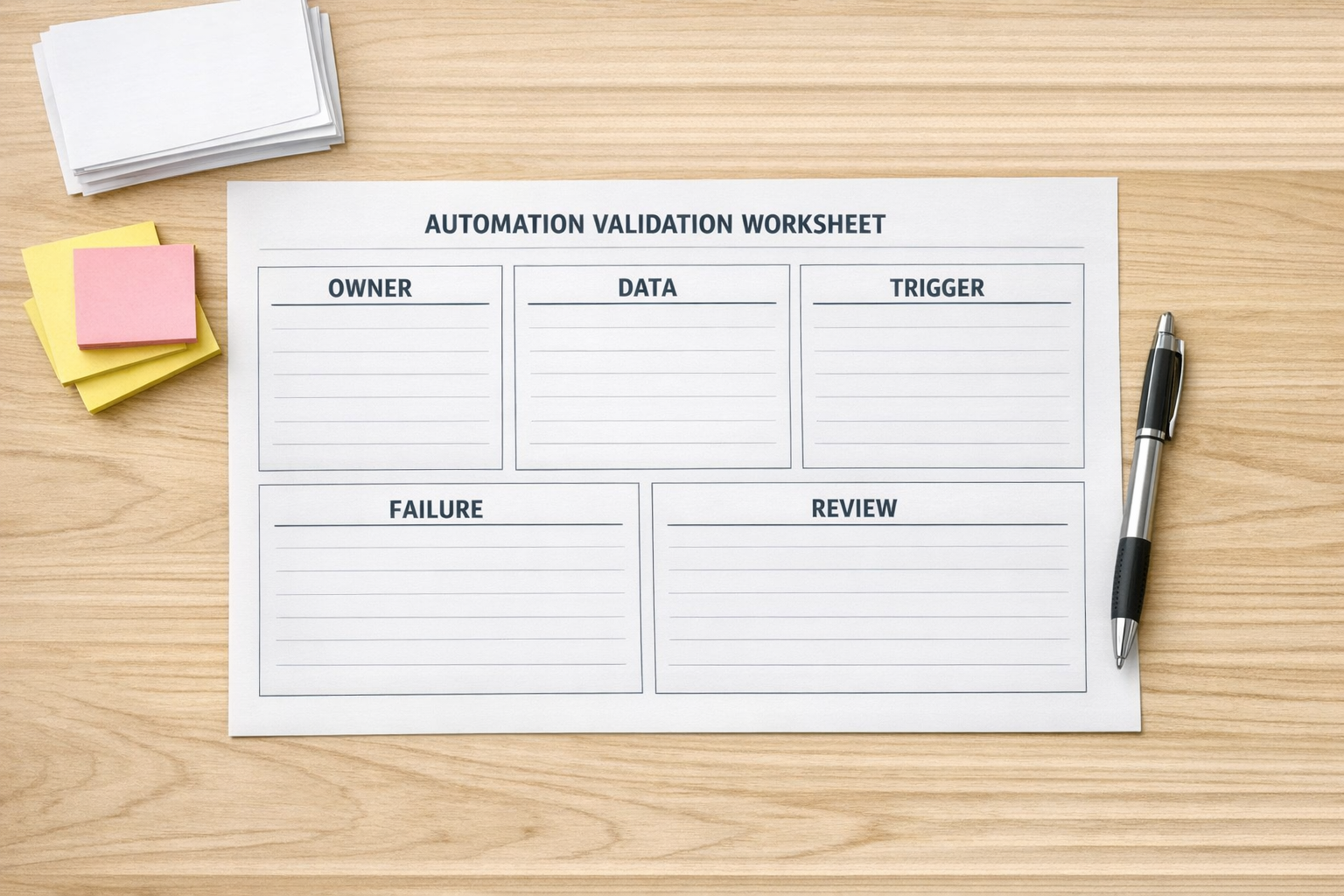
1. Who owns this workflow?
Every automation needs a named owner. Not just the person who built it, but the person responsible for deciding whether it is still needed. Ownership matters when something breaks, when the process changes, or when access needs to be reviewed.
2. What data does it touch?
List what the automation reads, creates, updates, sends, or deletes. This is especially important for customer data, payment-related information, sales notes, support tickets, internal documents, and anything connected to permissions or access.
3. What starts it?
Triggers are where many surprises begin. A form submission, CRM stage change, tag update, new email, scheduled run, or webhook can all start a workflow. Make sure the trigger is specific enough that the automation will not run on the wrong records.
4. What happens if it fails or runs twice?
Good automation design includes failure thinking. If the workflow stops, who is notified? If it runs twice, does it duplicate a task, email, invoice, or record? If an AI step produces a weak answer, is there a review point before the output reaches a customer?
5. When should it be reviewed?
A temporary workflow should have an expiration date or review date. If it is still useful, keep it and document it. If it is no longer needed, turn it off and remove unused connections.
Build an automation inventory
One of the simplest ways to reduce risk is to maintain an automation inventory. It does not need to be complicated. A spreadsheet, ClickUp list, Notion page, or internal operations document can work.
At minimum, track:
- Workflow name: Use a clear name that describes what it does.
- Tool: Make, Zapier, HubSpot, GoHighLevel, ClickUp, Shopify, WordPress, or another system.
- Owner: The person responsible for the workflow.
- Trigger: What starts the automation.
- Systems touched: CRM, email, task management, support, billing, fulfillment, or reporting.
- Risk level: Low, medium, or high based on customer impact and data sensitivity.
- Last reviewed: The date someone checked that it still works and still makes sense.
This inventory becomes especially valuable during CRM cleanup, sales process changes, support handoff improvements, or tool migrations. It prevents the team from breaking hidden workflows by accident.
Review the handoffs, not just the tool
A workflow can be technically correct and still operationally wrong. For example, a lead might enter the CRM correctly, but the wrong person is notified. A support ticket might be summarized well, but the escalation path might be unclear. A Shopify order might trigger a task, but the fulfillment team may not know what action is expected.
That is why automation validation should include handoffs. Look at where responsibility moves from one person, team, or system to another.

Ask simple questions:
- Who receives the output?
- What decision do they need to make?
- What should happen next?
- How do they know the automation ran?
- Where do they report an issue?
This turns automation from a hidden technical shortcut into a visible business process.
Automation should remove work, not create mystery
The goal is not to slow teams down with heavy approval steps for every small improvement. That would defeat the purpose. The goal is to create a lightweight habit of validation.
Build the quick workflow. Test the idea. Use AI to reduce repetitive work. Connect the tools that need to talk to each other. But before the workflow becomes part of daily operations, make sure someone knows what it does, what it touches, how it fails, and when it should be reviewed.
At ConsultEvo, this is a core part of how we approach automation. Tools matter, but process comes first. A clean Make scenario, Zapier workflow, ClickUp setup, HubSpot process, GoHighLevel automation, or Shopify operation is not only about whether the steps run. It is about whether the business can trust the result.
If your team has automations that were built quickly and now feel hard to trace, ConsultEvo can help you review, simplify, document, and rebuild them into systems that are easier to manage.