

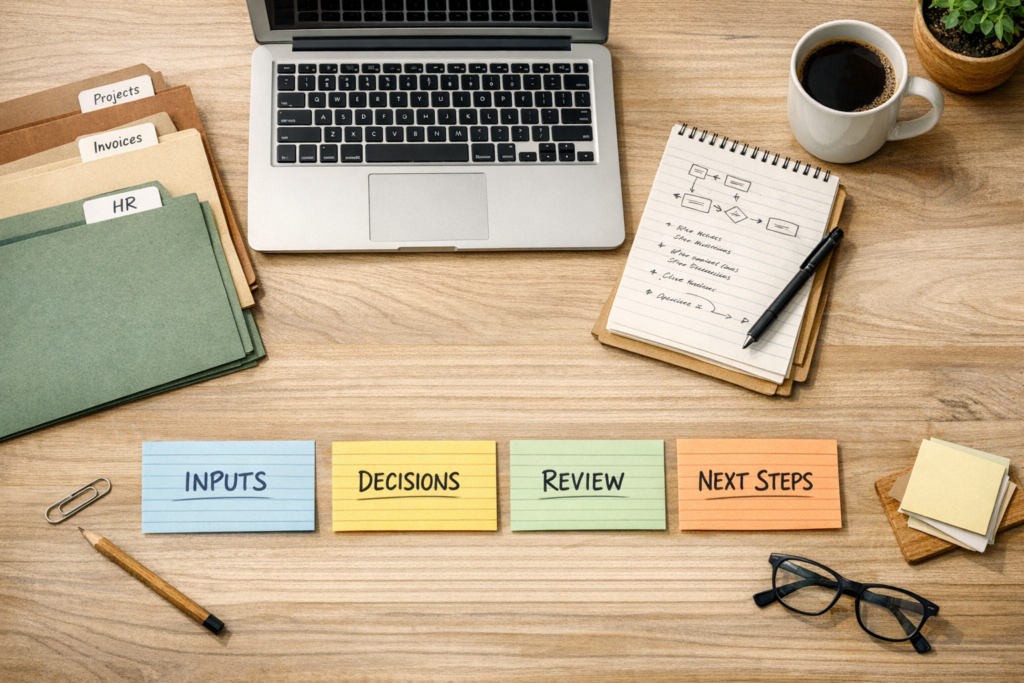
Stop Collecting AI Tools. Start Building AI Workflows That Know the Job.
It is easy to spend a week testing AI tools and still end up with the same operational headache.
A new writing assistant. A new meeting summarizer. A new research tool. A new chatbot. Each one looks useful in isolation, but the business process around it stays the same. Someone still explains the context, copies information from one system to another, edits the output, updates the CRM, creates the task, and reminds the next person what to do.
That is why many teams feel busy with AI but do not feel much lighter.
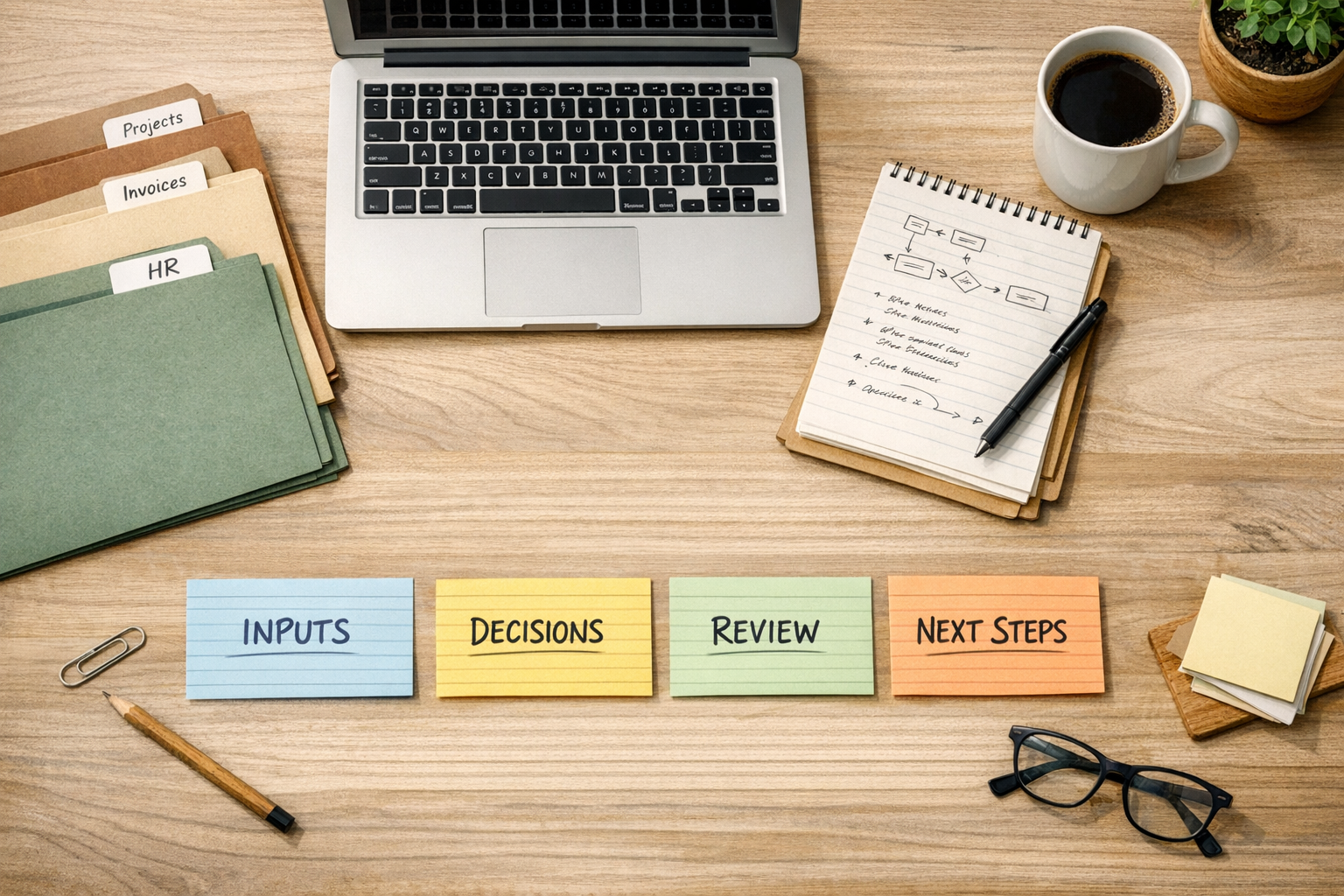
The practical opportunity is not to use more AI. It is to design clearer workflows where AI has a defined job, defined inputs, defined review rules, and a defined place to send the result.
AI is more useful when it belongs to a process
Many teams use AI like a one-off assistant. They open a tool, paste a request, explain the background, ask for an output, adjust the result, then repeat the same thing the next day.
That can help in the moment, but it does not create much operational leverage. The team is still carrying the process in their heads.
An AI workflow is different. It answers a more specific question: what recurring job should this AI support every time?
For example, instead of “use AI for sales,” the workflow might be:
- When a new lead fills out a form, summarize the request.
- Check whether required fields are missing.
- Draft a first response using the correct service context.
- Create a CRM note.
- Assign a follow-up task to the right person.
- Flag anything that needs human review.
That is much more useful than a generic prompt because the AI is attached to a real operating pattern.
The tool is not the first decision
Choosing the tool too early often creates avoidable complexity. A team signs up for another platform, builds a quick test, then discovers the real issue is not the model or the interface. The issue is that the process has never been clearly defined.
Before you choose the tool, define the workflow. A simple worksheet is enough.
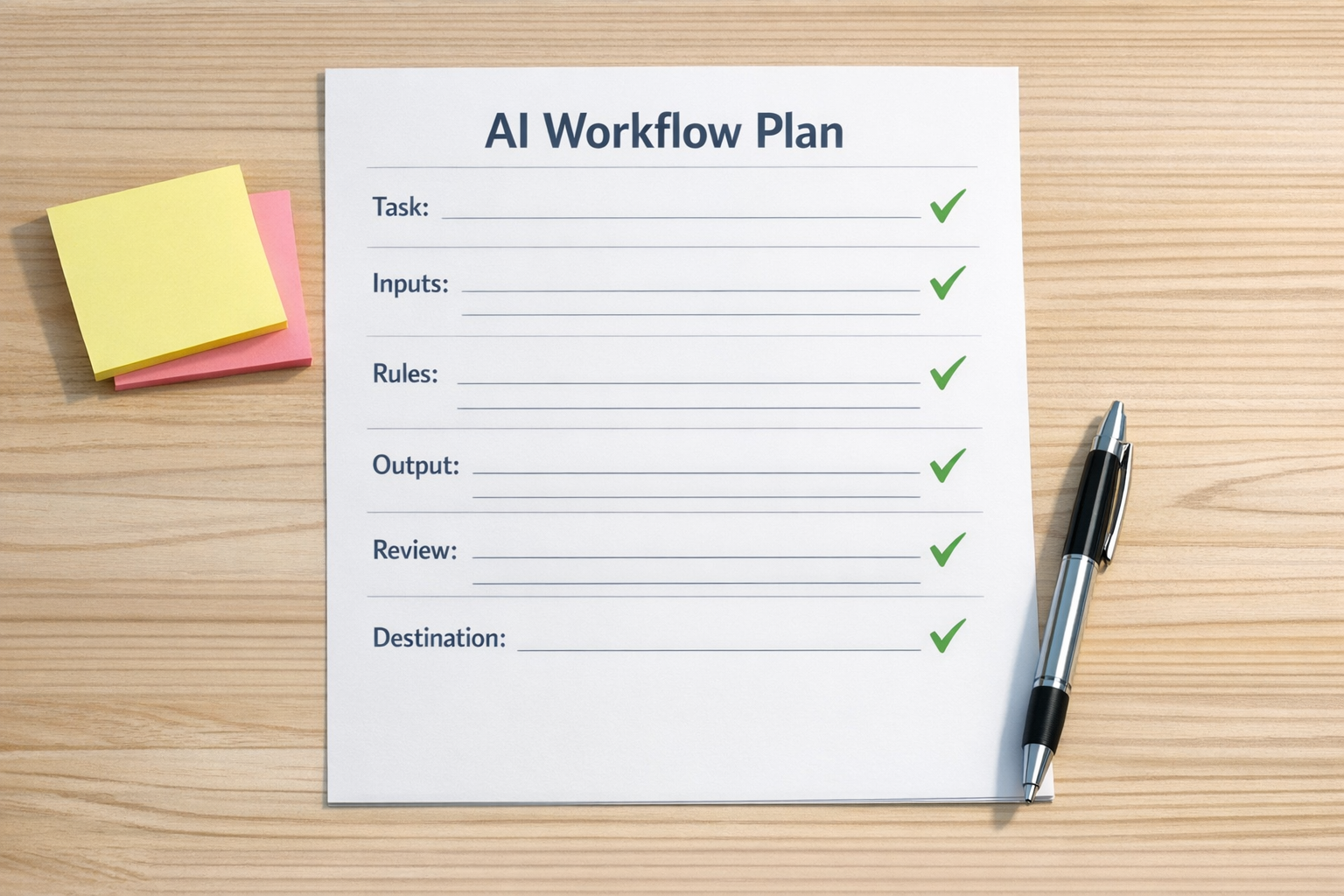
Use these six questions
- Trigger: What starts the workflow? A form submission, a new email, a status change, a paid order, or a support request?
- Inputs: What information does the AI need? CRM fields, previous notes, order details, internal SOPs, call transcripts, or project context?
- Rules: What should the AI always follow? Tone, qualification logic, escalation rules, formatting, exclusions, or approval requirements?
- Output: What should the AI produce? A summary, draft message, task description, classification, checklist, or recommendation?
- Review: What needs human approval before it moves forward?
- Destination: Where does the result go next? ClickUp, HubSpot, GoHighLevel, Slack, email, Shopify, a spreadsheet, or another system?
This planning step is not busywork. It prevents the most common failure: building an automation around a vague process.
Good AI workflows remove repeated explanation
One of the clearest signs of a good AI workflow is that the team stops repeating the same context over and over.
If a support manager has to paste the same instructions into AI every morning, the system is not designed yet. If a sales rep has to reformat every output before adding it to the CRM, the handoff is incomplete. If an operations lead has to check three systems to see what happened, the workflow is missing visibility.
AI should reduce the repeated admin around the work, not create a second place where work has to be managed.
A practical example: support handoffs
Support handoffs are a strong candidate for AI-assisted workflow design because the pain is usually clear. Requests arrive with mixed levels of detail. Some need quick answers. Some need technical review. Some need a sales or operations handoff. Some are missing key information.
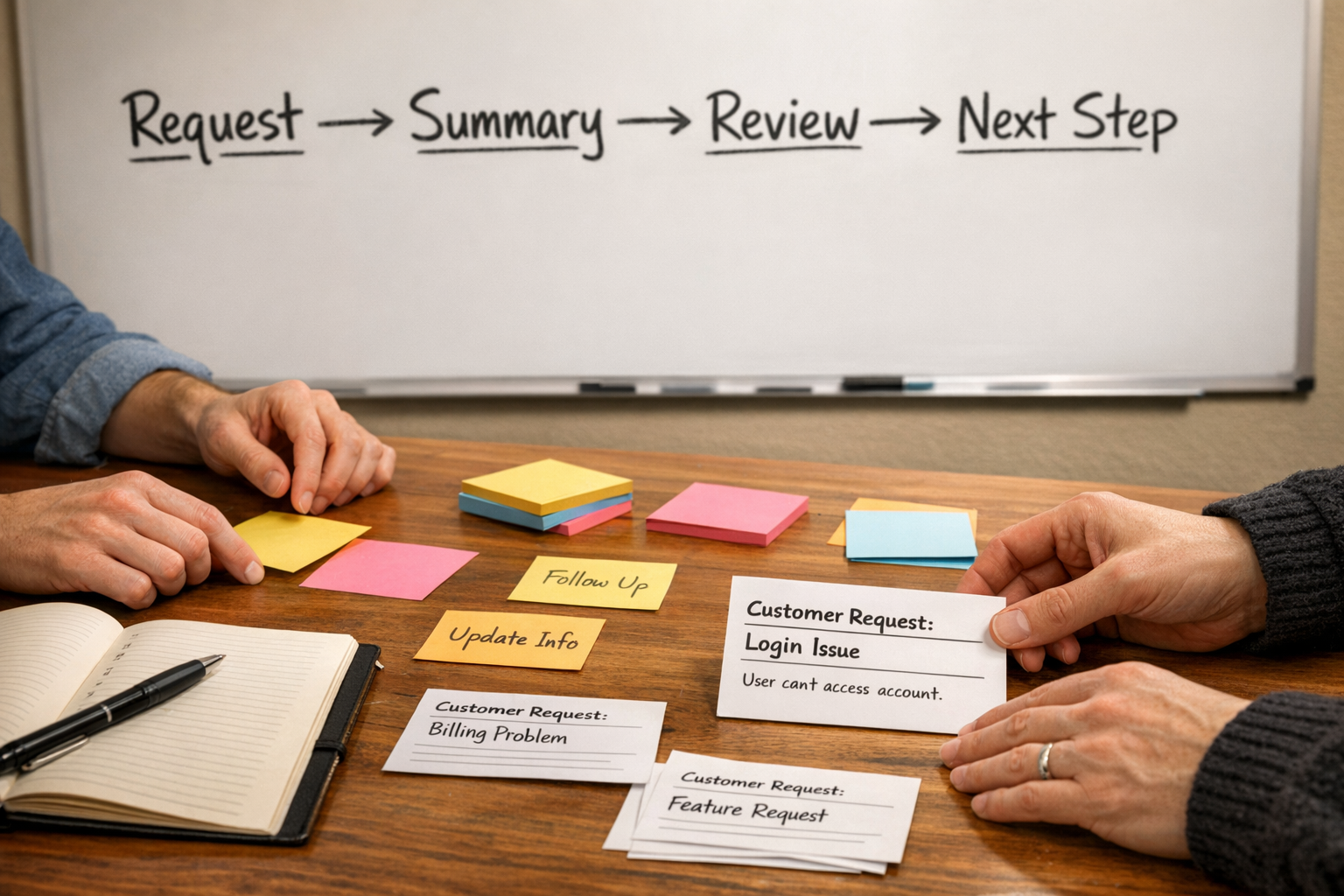
A narrow AI workflow could help by:
- Summarizing the customer request in a consistent format.
- Identifying missing details before the team spends time investigating.
- Suggesting a category or priority based on internal rules.
- Drafting an internal handoff note.
- Creating or updating the right task in the project system.
- Flagging sensitive cases for human review.
Notice what this does not do. It does not ask AI to run the whole support department. It gives AI a specific role inside a controlled workflow.
That is usually where the best early ROI comes from: narrow, repeated, annoying work with clear inputs and clear next steps.
Start smaller than you want to
Many teams try to build the big AI system first. They want one agent that handles sales, support, onboarding, reporting, and follow-up. That sounds efficient, but it usually creates a messy build because each process has different rules and risks.
A better approach is to start with one workflow where the pain is visible.
Good candidates include:
- New lead intake and qualification.
- CRM note cleanup after calls.
- Support request triage.
- Content idea validation against a simple checklist.
- Project task creation from client emails.
- Shopify order exception handling.
- Weekly operations summaries from existing tools.
Pick one. Map it. Build the smallest useful version. Review the output with real examples. Then improve it.
What to validate before automating
Before connecting tools through Make, Zapier, HubSpot, GoHighLevel, ClickUp, or a custom AI agent, validate the workflow manually with a few real cases.
Ask:
- Does the AI have enough context to produce a useful result?
- Does the output save time, or does it create editing work?
- Is the review step clear?
- Can the next person act on the output without asking for clarification?
- Does the result belong in a system of record, a task tool, or a temporary workspace?
If the manual version is confusing, the automated version will be confusing faster.
The goal is operational clarity
AI works best when it is attached to clear operations. Not perfect operations, but clear enough that the recurring job can be described, tested, reviewed, and improved.
You do not need to chase every new tool. You need to know which parts of your business are still powered by repeated explanation, manual copy-paste, and unclear handoffs.
That is where AI workflows can help.
At ConsultEvo, we help teams turn messy processes into practical automation systems across ClickUp, Make, Zapier, HubSpot, GoHighLevel, Shopify, CRMs, and internal operations. If you want help designing an AI workflow that removes real work instead of adding another tool to manage, reach out anytime.