


Validate the Workflow Before You Build the AI Agent

AI agents are becoming easier to build, but that does not mean every workflow is ready for one.
This is one of the most important lessons in automation work. The tool is rarely the first problem. The first problem is usually that the process has not been inspected closely enough. A founder or operator sees repetitive work, feels the frustration, and starts looking for a way to automate it. That instinct is not wrong. Repetitive work is often where automation ROI lives. But if the workflow is unclear, inconsistent, or low-value, automation can make the mess move faster.
At ConsultEvo, we usually start with a simple principle: process before tools. Before choosing Make, Zapier, ClickUp, HubSpot, GoHighLevel, or a custom AI agent, we need to know whether the workflow is worth building around.
The expensive mistake: automating an unvalidated process
An unvalidated process is a process that feels painful but has not been clearly mapped. It might involve a lot of manual copy-paste. It might depend on one person remembering what to do next. It might involve leads, orders, support tickets, client onboarding, or internal approvals.
The team knows it is annoying. But they may not know:
- How often it happens
- Which steps are consistent
- Where judgment is required
- What data is missing
- What success should look like
- Who owns the handoff when something breaks
When automation is added too early, every unclear decision becomes an exception. Every missing field becomes a failed run. Every undefined owner becomes a Slack message asking, “Who is supposed to handle this?”
This is why the validation step matters. It keeps the automation narrow, useful, and maintainable.
A practical workflow validation filter
Before building an AI agent or automation, review the workflow through three filters: frequency, clarity, and value.
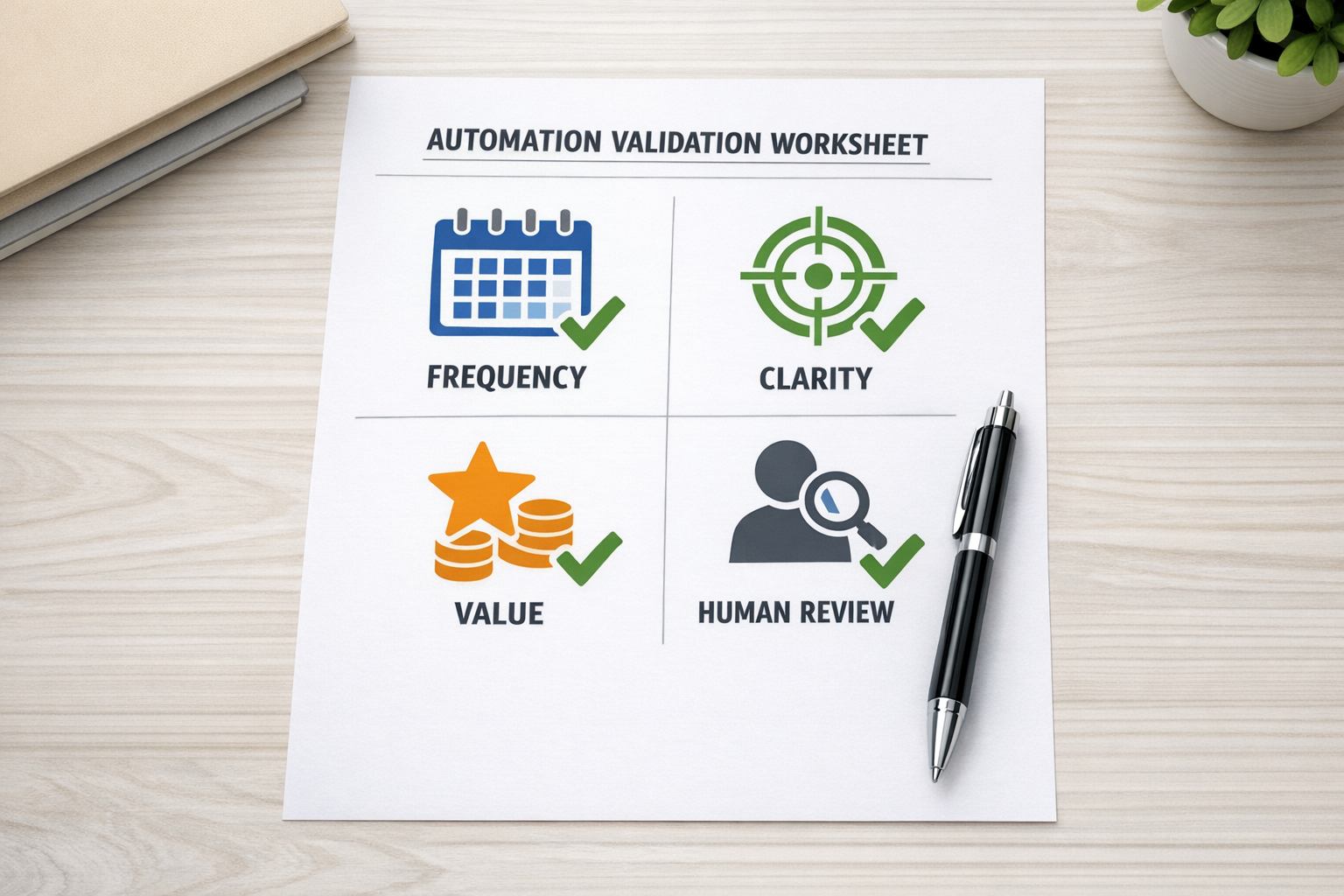
1. Frequency: does this happen often enough?
A workflow does not need to happen hundreds of times per day to be worth automating. But it should happen often enough that manual handling creates a real cost.
For example, a weekly report that takes three hours may be a good automation candidate. A client onboarding task repeated five times per month may also be worth automating if mistakes create delays. On the other hand, a one-off edge case may not deserve a full automation build.
Ask:
- How many times does this happen per week or month?
- How much time does each instance take?
- Does the task interrupt higher-value work?
- Does it create delays for customers, leads, or internal teams?
If frequency is low, the best move might be a checklist or template instead of automation.
2. Clarity: can the current process be explained?
If a human cannot explain the workflow clearly, an automation will struggle to execute it reliably.
This does not mean the process must be perfect. It means the core path should be understandable. What triggers the work? What information is needed? What happens next? What decisions are made? What tools are involved? What is the final output?
A useful exercise is to write the workflow as plain steps:
- When a new inquiry arrives, check the source and service type.
- If the inquiry matches a qualified category, create or update the CRM record.
- Assign the lead based on territory, service, or availability.
- Send a confirmation message.
- Create a follow-up task if no reply is received.
This kind of simple mapping exposes gaps quickly. If the team starts saying, “Well, it depends,” that is not a failure. It is useful information. The “it depends” moments are where business rules need to be defined before automation begins.
3. Value: what will improve if this is automated?
Automation should remove a specific operational burden. It should not exist only because the tool can do it.
Value may come from:
- Reducing manual copy-paste
- Preventing missed follow-ups
- Improving CRM data quality
- Speeding up lead response
- Reducing support handoff confusion
- Making task ownership visible
- Standardizing client onboarding
The key is to name the value before building. “Save time” is a start, but it is too vague. Better: “Reduce the manual lead intake process from 20 minutes to a quick review” or “Make sure every qualified inquiry gets a same-day follow-up task.”
When the value is clear, the build can stay focused.
Where AI agents fit
An AI agent is most useful when it has a narrow job inside a validated workflow. It can summarize, classify, draft, compare, enrich, check, route, and prepare. It can remove a large amount of repetitive thinking from the middle of a process.
But the agent still needs boundaries.
For example, in a sales workflow, an AI agent might review a form submission, summarize the lead’s needs, classify urgency, suggest the right service category, and draft a first response. A human can then approve the message or adjust the recommendation.
In a support workflow, an agent might read an incoming request, identify the issue type, check whether required details are missing, and create a structured ticket. A support person still handles the sensitive response or final resolution.
This is often the healthiest pattern: AI prepares, automation routes, humans decide when judgment matters.
Do not remove the human checkpoint too early
Many teams try to make automation fully autonomous before the workflow has earned that level of trust. This creates risk. A better approach is to start with a human-in-the-loop checkpoint.

The human checkpoint lets the team review outputs, catch edge cases, and improve the rules. Over time, some decisions may become safe to automate fully. Others should stay with a person. The point is not to automate everything. The point is to remove the right work.
A simple implementation path
If you are considering an automation or AI agent, use this order:
- Map the current workflow: Write the real steps, not the ideal version.
- Mark the pain points: Identify delays, errors, duplicate entry, and unclear ownership.
- Score the opportunity: Review frequency, clarity, and value.
- Define the human checkpoint: Decide where approval or judgment is still needed.
- Build the smallest useful version: Automate one clear path before handling every exception.
- Review and improve: Track failures, edge cases, and team feedback before expanding.
This approach works across many systems: ClickUp task workflows, Make scenarios, Zapier automations, HubSpot pipelines, GoHighLevel follow-ups, Shopify operations, and internal AI agents.
The real goal is operational clarity
The best automation projects do more than save time. They clarify how the business actually works.
A validated workflow tells the team what happens, who owns it, what data matters, and when a human needs to step in. That clarity makes the automation easier to build and easier to maintain.
If the process is unclear, start there. If the process is clear and repetitive, automation can remove meaningful work. If the process also includes repeatable judgment, an AI agent may be the right layer.
ConsultEvo helps teams map, validate, and build practical automation systems across CRM, ClickUp, Make, Zapier, HubSpot, GoHighLevel, Shopify, and AI agent workflows. If you are unsure whether a workflow is ready to automate, we can help you find the safest next step before you spend time building the wrong thing.