

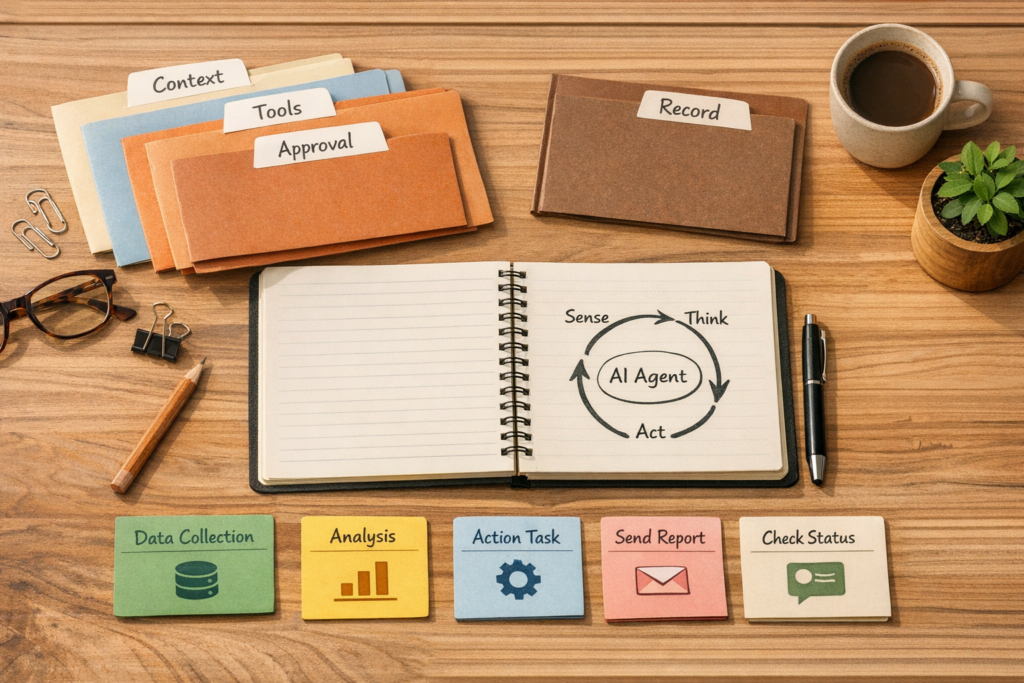
Design AI Agents Around the Workflow, Not the Chat Window
A lot of AI agent projects start in the wrong place. Someone opens a chat interface, writes a clever prompt, connects a few actions, and calls it an agent.
That may be enough for a demo. It is rarely enough for a business process.
A useful AI agent is not just a chatbot that can call tools. It is an operational loop. It receives work, checks context, decides what to do next, uses approved tools, records what happened, and knows when to stop or ask for approval.
That surrounding structure is where reliability comes from.
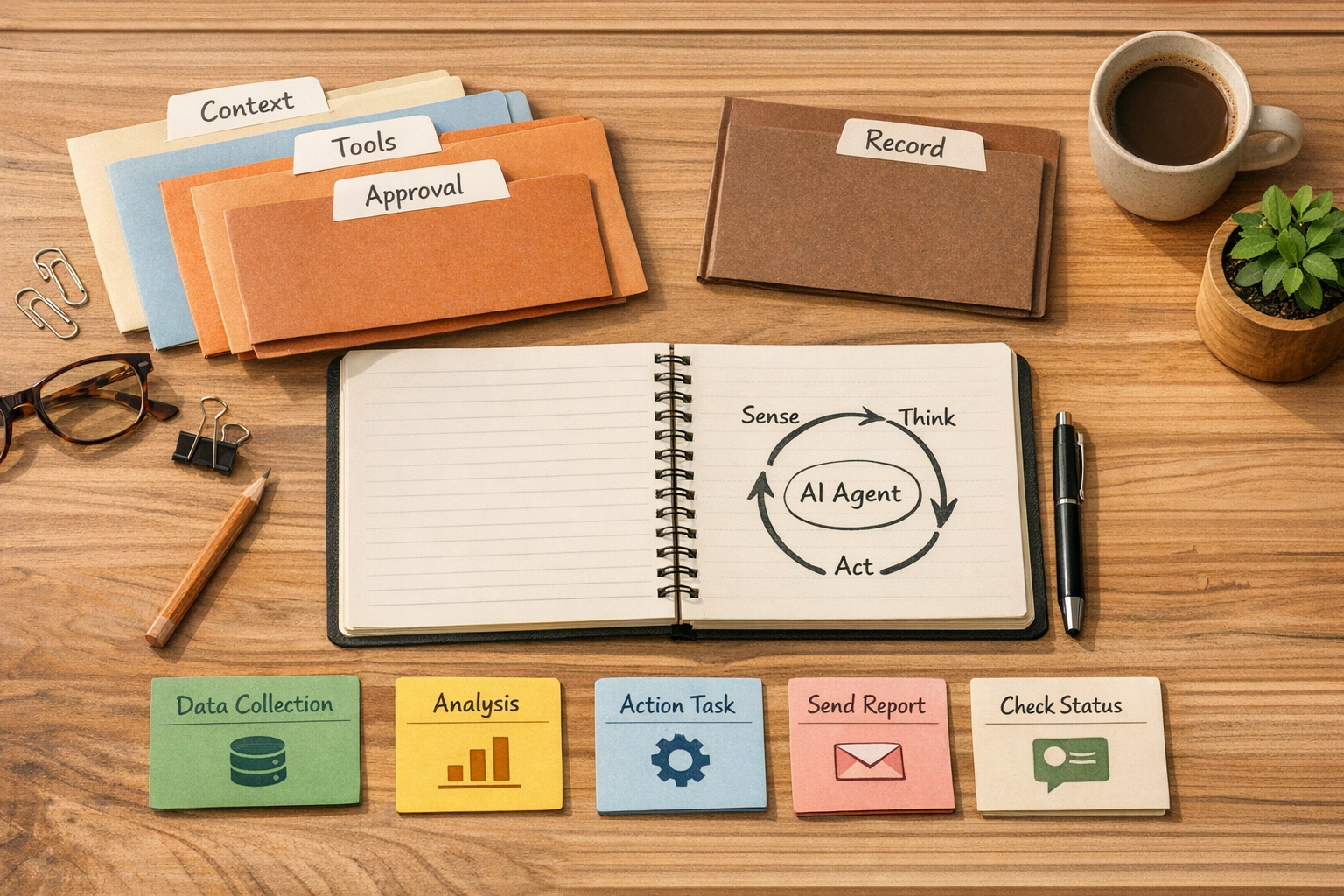
The agent is the loop, not the prompt
When business owners talk about AI agents, the conversation often jumps to models, prompts, and tool connections. Those things matter, but they are not the foundation.
The foundation is the loop:
- What starts the agent?
- What information does it receive?
- What is it allowed to read?
- What is it allowed to change?
- What should it do when information is missing?
- When does a human need to approve the next step?
- Where is the final result stored?
If those questions are unclear, the agent becomes unpredictable. It may produce good answers one day and create operational confusion the next.
This is why ConsultEvo usually starts with process design before tool selection. The model can reason, draft, classify, and decide. But the business needs to define the job, the boundaries, and the record of truth.
Separate thinking from side effects
One of the most important design principles for AI agents is to separate thinking from side effects.
Thinking includes actions like summarizing a support ticket, comparing two CRM records, classifying a lead, drafting a reply, or identifying missing order details. These are low-risk if the output is reviewed or stored as a recommendation.
Side effects are different. These include sending emails, updating a CRM stage, changing a customer record, creating invoices, modifying orders, assigning tasks, or posting public messages.
Side effects need stronger rules. Sometimes they should require approval. Sometimes they should only happen when the agent’s confidence is high and the business rule is simple. Sometimes the agent should never perform the action directly and should only prepare the work for a person.
A practical example: an agent can safely summarize a sales call and suggest CRM updates. But if it is going to move a deal stage, notify the account owner, and trigger a follow-up sequence, the workflow should define exactly when that is allowed.
Use a simple agent design canvas
Before building the automation, map the operating rules on one page. This does not need to be complicated. A simple canvas is usually enough to expose the weak points.
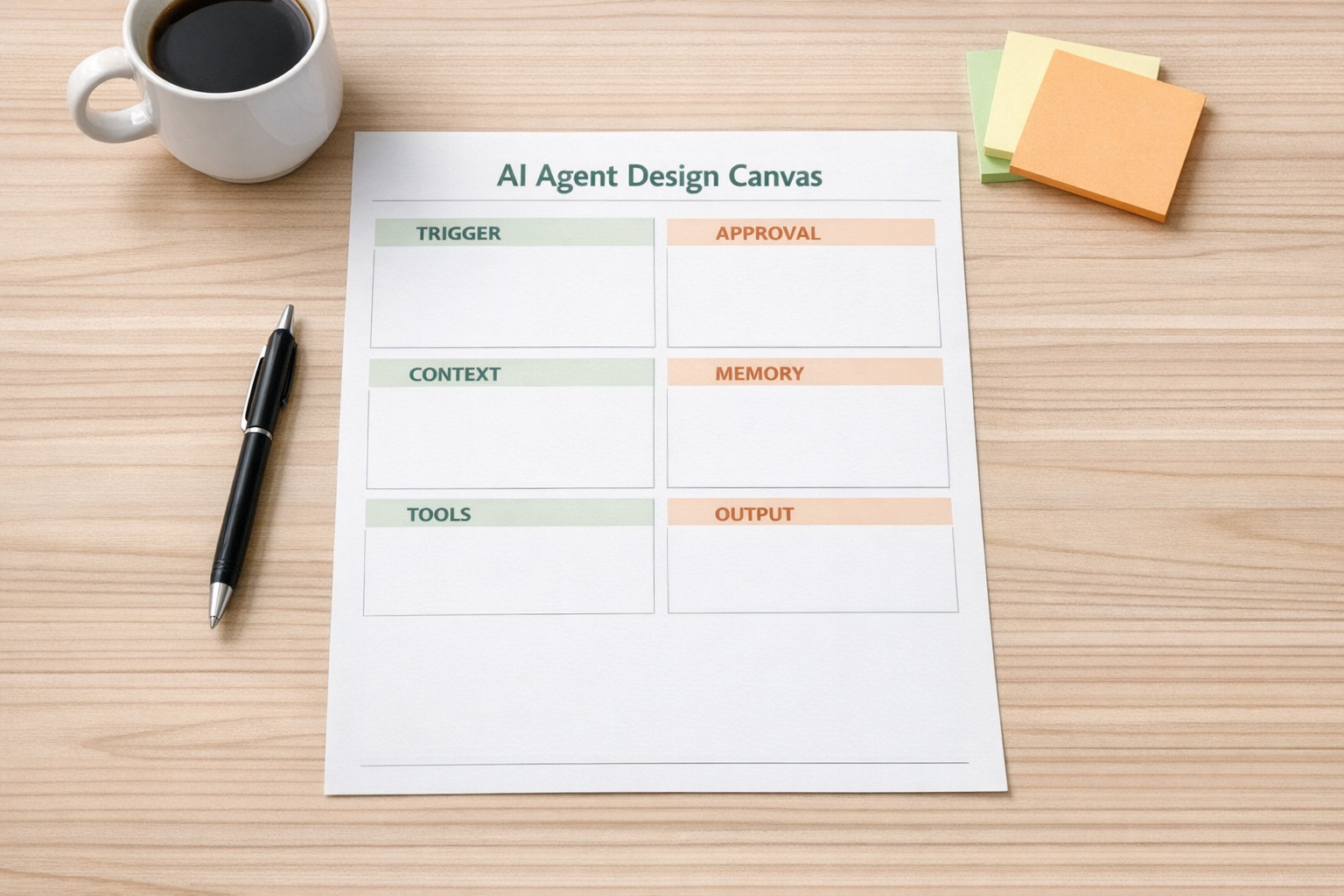
Use these sections:
- Trigger: What event starts the agent? A form submission, new ticket, new lead, failed order, Slack message, scheduled check, or manual button?
- Context: What information does the agent need at the start? Customer history, product details, CRM fields, previous messages, order status, task notes?
- Tools: Which systems can it access? CRM, ClickUp, email, Shopify, HubSpot, GoHighLevel, internal docs, spreadsheet, database, or helpdesk?
- Permissions: Can it only read, or can it write? Which actions are blocked?
- Approval: Which steps require a person before they happen?
- Memory: What should be remembered for next time, and what should not?
- Output: Where does the final result live? CRM note, ClickUp task, support reply draft, Slack summary, order tag, or internal report?
This planning step is not extra admin. It prevents expensive rework. It also makes the agent easier to test because you know what correct behavior should look like.
Give the agent a narrow job
Broad agents sound attractive, but narrow agents usually create more value faster.
Instead of building “an AI operations assistant,” build one of these:
- An agent that checks new CRM leads for missing fields and prepares enrichment notes
- An agent that triages support tickets and routes them to the right queue
- An agent that reviews failed Shopify orders and drafts a resolution task
- An agent that turns a sales call transcript into a structured follow-up plan
- An agent that reviews new content ideas against a defined offer and audience
Narrow jobs make permissions easier. They also make ROI easier to measure. You can compare time saved, errors reduced, handoffs improved, or manual copy-paste removed.
Define the record of truth
Every useful agent needs a place to record what happened. Without that, the business cannot audit the work or continue the process reliably.
For sales, that record may be the CRM timeline. For support, it may be the ticket thread. For project operations, it may be a ClickUp task. For ecommerce, it may be the Shopify order notes or an internal operations board.
The agent should not leave important decisions trapped inside a chat transcript. If the work affects the business, the result should land in the system where the team already operates.
Plan the human checkpoints
Good agent design does not remove humans from every step. It removes unnecessary work and keeps humans where judgment matters.
Approval checkpoints are especially useful when the agent is about to:
- Send a customer-facing message
- Change a deal stage or opportunity status
- Apply a refund or order change
- Create or close a support ticket
- Trigger a sales sequence
- Update important customer data
The goal is not to slow the workflow down. The goal is to make the agent trustworthy enough that the team actually uses it.
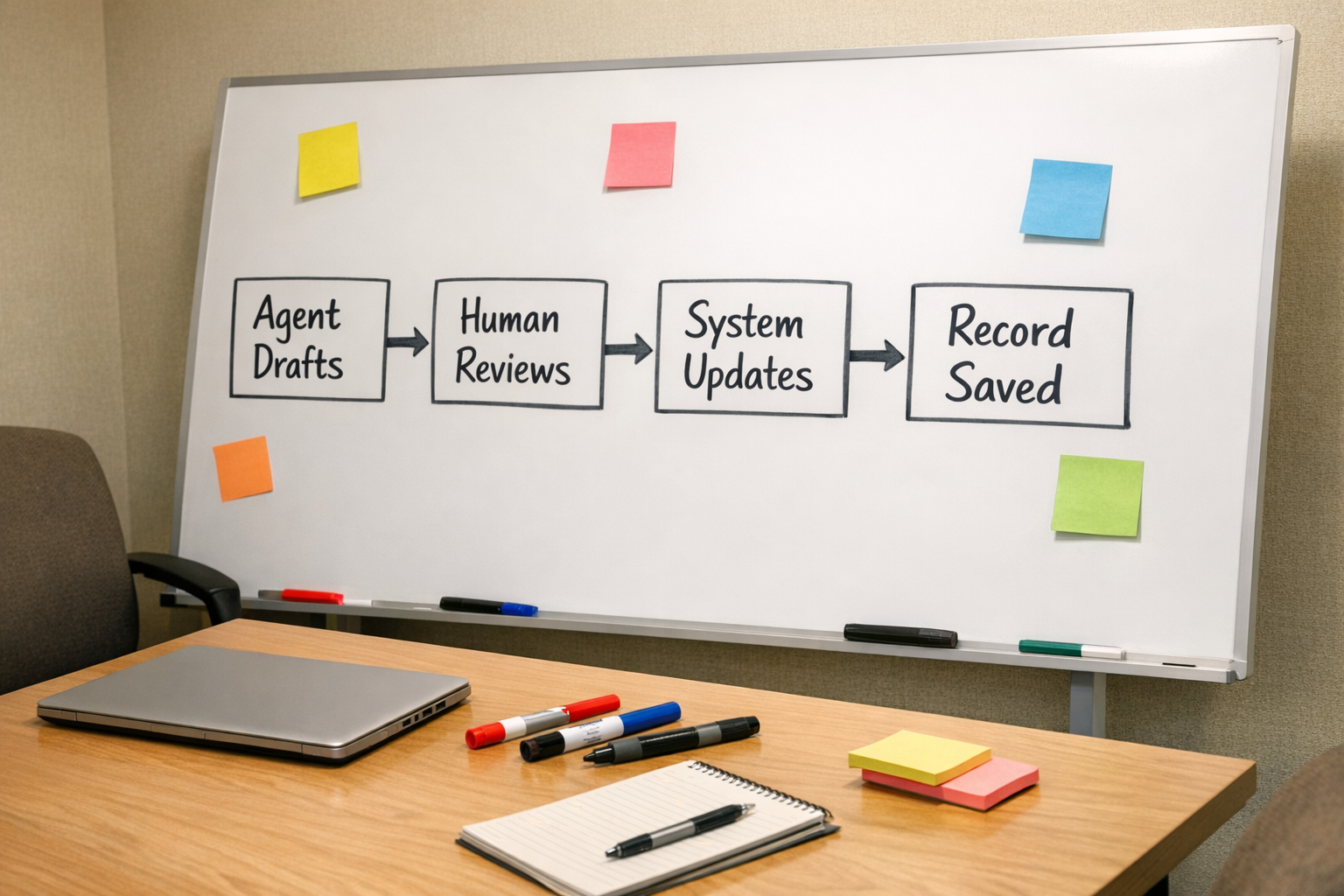
Test the workflow before scaling it
Once the first version is mapped, test it with real examples. Not perfect examples. Real ones.
Use messy CRM records, incomplete tickets, vague customer messages, duplicate leads, edge-case orders, and unclear internal notes. These are the cases that reveal whether the agent has enough context and whether the workflow has enough guardrails.
A simple validation process can include:
- Run 20 to 50 past examples through the proposed workflow
- Review where the agent made good decisions
- Mark where it needed more context
- Identify actions that should require approval
- Remove tools it does not need
- Clarify the final output format
This is where many automations become practical. The first version is rarely the best version. The tested version is usually much closer to what the team can trust.
The ConsultEvo approach
At ConsultEvo, we see AI agents as part of the operations system, not a separate novelty layer. The agent should fit the CRM, task management structure, customer journey, and team handoffs.
That means we usually focus on questions like:
- Where is the manual copy-paste happening?
- Which decisions are repetitive?
- Which records are incomplete or inconsistent?
- Where do sales or support handoffs break?
- Which steps can AI prepare, and which steps should a person approve?
Then we design the workflow around the answer.
If you are considering an AI agent for your business, start small. Pick one recurring process. Define the loop. Limit the tools. Decide the approval points. Store the result in the right system.
Once that works, you can expand from a useful agent to a useful operating layer.
If you want help designing, validating, or implementing AI agent workflows, CRM automations, ClickUp systems, or Make/Zapier processes, ConsultEvo can help you build it in a practical and controlled way.