


Reusable AI Workflows: How to Stop Re-Explaining the Same Task
AI can produce useful work quickly, but many teams run into the same frustrating pattern: the output is decent, then inconsistent, then slightly wrong in a familiar way.
The reason is often simple. The AI is being asked to repeat a business task without being given a repeatable way to do it.
That is where reusable AI workflows become valuable. Not as a fancy technical concept, but as a practical operating habit. If your team keeps typing the same instructions into ChatGPT, Claude, or another AI tool, that repeated instruction probably belongs in a documented workflow.
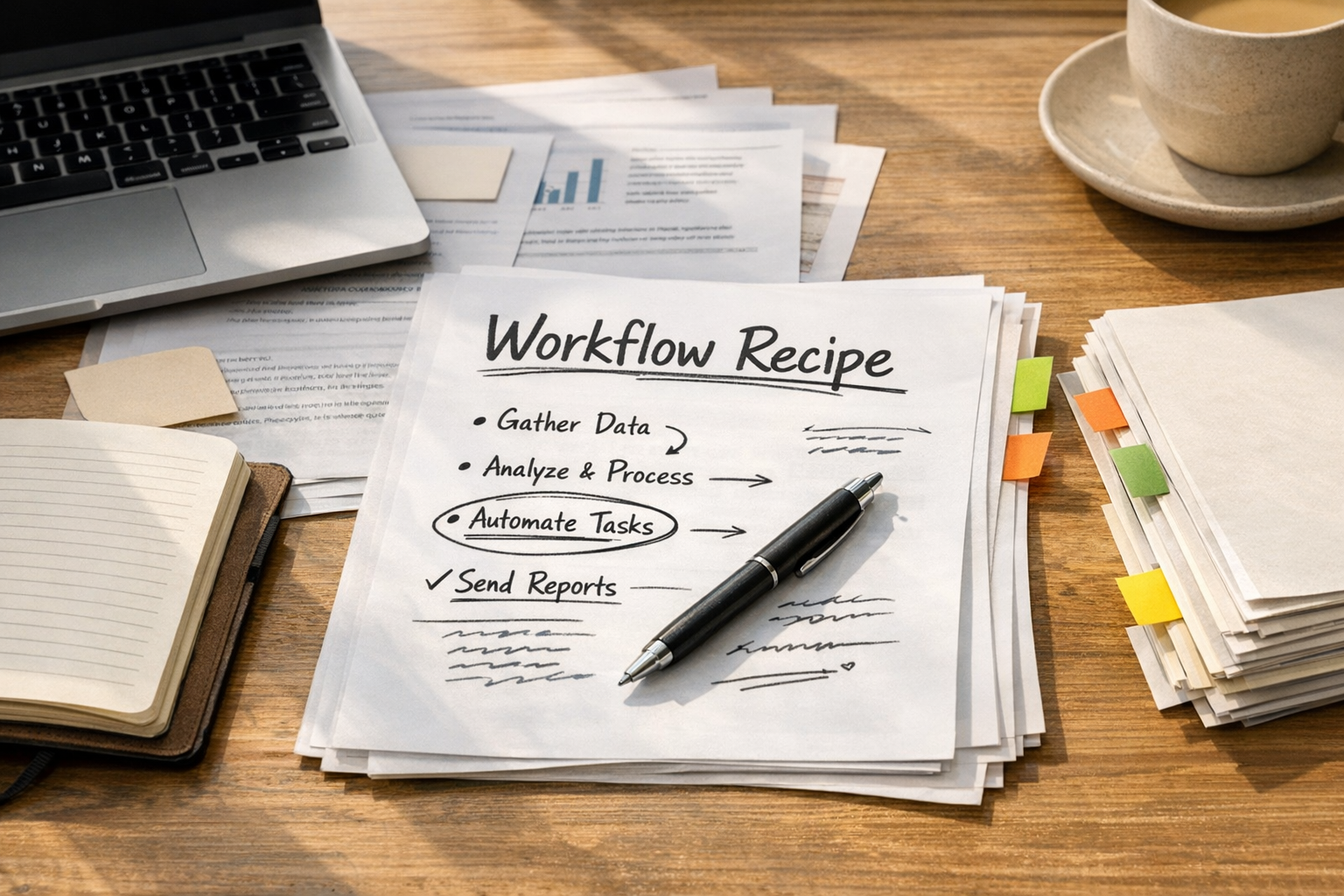
From One-Time Prompt to Reusable Work Recipe
A one-time prompt is useful for simple tasks. Rewrite this paragraph. Summarize this email. Give me five ideas. Those do not need much structure.
But operational work is different. A good sales handoff summary, CRM cleanup review, support escalation note, or onboarding checklist usually has rules. There are fields to check, risks to flag, assumptions to separate, and decisions that should stay with a human.
A reusable AI workflow captures those rules so the task does not start from zero every time.
For example, instead of asking AI to “review this sales handoff,” you might define the workflow like this:
- Check whether all required CRM fields are present.
- Identify missing customer context.
- Separate confirmed commitments from assumptions.
- Flag unclear ownership or deadlines.
- List what needs human confirmation before the next step.
- Return the result in a short operational format.
That is not complicated. It is simply the way your team wants the work done, written down clearly enough for AI to follow.
When a Task Deserves a Reusable AI Workflow
Not every task needs this treatment. If you document every small request, you will create clutter instead of clarity.
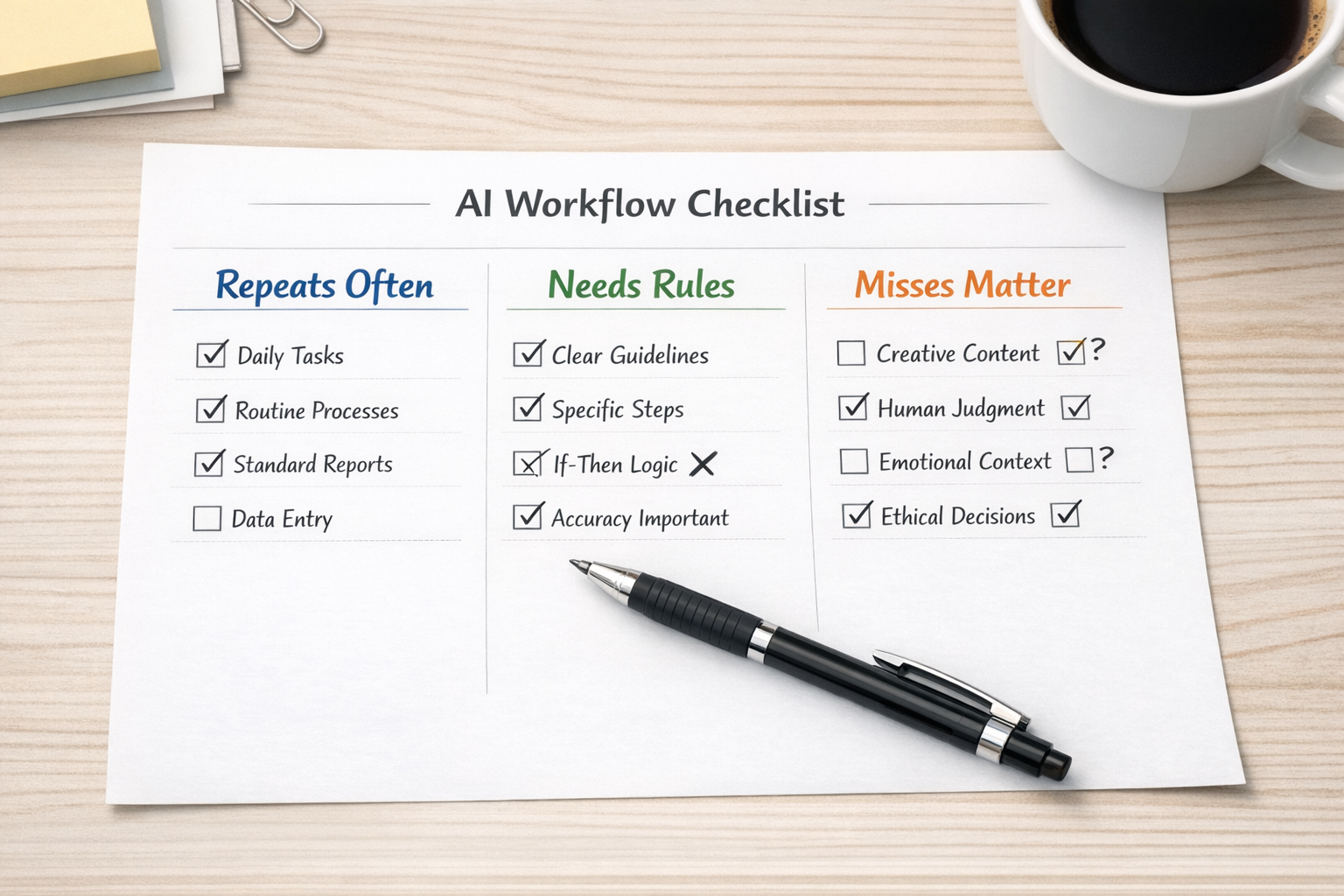
A task is a good candidate when three things are true:
- It happens often. Weekly handoffs, recurring reports, intake reviews, QA checks, and follow-up summaries are good examples.
- It needs to be done a specific way. If format, tone, structure, or decision logic matters, document it.
- Mistakes create friction. If missing a detail causes rework, confusion, delays, or customer issues, the workflow should be more explicit.
That filter keeps the system practical. You are not creating AI instructions for everything. You are documenting the recurring work where consistency matters.
Good Reusable Workflows Come From Real Work
The best reusable AI workflows are rarely written perfectly on the first try. They are extracted from real work.
Pick one recurring task. Do it with the AI. Then correct the output like you would with a new team member.
You might say:
- “This is too generic. Be more specific about what is missing.”
- “Do not treat assumptions as facts.”
- “Use shorter bullets. The operations team will not read long paragraphs.”
- “Add a section for risks before recommendations.”
- “End with the next action owner.”
Once the result is good, turn that corrected process into a reusable instruction. This is where the real value appears. You are not trying to invent the perfect prompt from theory. You are capturing how the task should actually be done.
What a Practical AI Workflow Should Include
A useful reusable workflow does not need to be long. In fact, shorter is usually better if it is specific.
At minimum, include these parts:
1. Purpose
State what the workflow is for. Keep it narrow.
Weak version: “Helps with CRM tasks.”
Better version: “Reviews CRM records before a sales-to-operations handoff and identifies missing fields, unclear commitments, and next-step risks.”
2. When to Use It
Define the trigger. This helps the team know when the workflow applies.
For example: use this when a deal is marked closed-won, when a customer is being handed to onboarding, or when operations needs to confirm readiness before work begins.
3. Steps to Follow
List the actual working sequence. This is the heart of the workflow.
- Review the source information.
- Check required fields.
- Identify missing or vague details.
- Separate facts from assumptions.
- Flag risks.
- Recommend the next human action.
4. Output Format
If you want a consistent answer, define the structure. AI tools follow concrete formats better than vague preferences.
A simple output might include:
- Summary
- Missing information
- Risks or unclear items
- Recommended next step
- Human confirmation needed
5. Guardrails
This is often the most important part. Guardrails capture the details your team does not want the AI to miss.
For operational workflows, guardrails might include:
- Do not invent missing CRM data.
- Do not assume ownership when no owner is listed.
- Do not mark a handoff ready if key customer expectations are unclear.
- Do not send customer-facing language without human approval.
- Flag conflicting information instead of resolving it silently.
These are the small rules that reduce rework.
Where This Helps in Real Operations
Reusable AI workflows can support many parts of a business process. The strongest use cases are usually the ones that sit between teams.
Examples include:
- Sales to operations: Review closed-won details before onboarding starts.
- Support to product: Summarize recurring issues without losing customer context.
- CRM cleanup: Identify missing fields, duplicates, stale records, and inconsistent lifecycle stages.
- ClickUp intake: Turn messy requests into structured tasks with owners, due dates, dependencies, and acceptance criteria.
- Automation QA: Review Make or Zapier scenarios for missing error handling, unclear triggers, or duplicate actions.
- Customer onboarding: Convert kickoff notes into next steps, internal tasks, and open questions.
In each case, AI is not replacing the process. It is helping enforce the process you already want people to follow.
Test the Workflow Before You Trust It
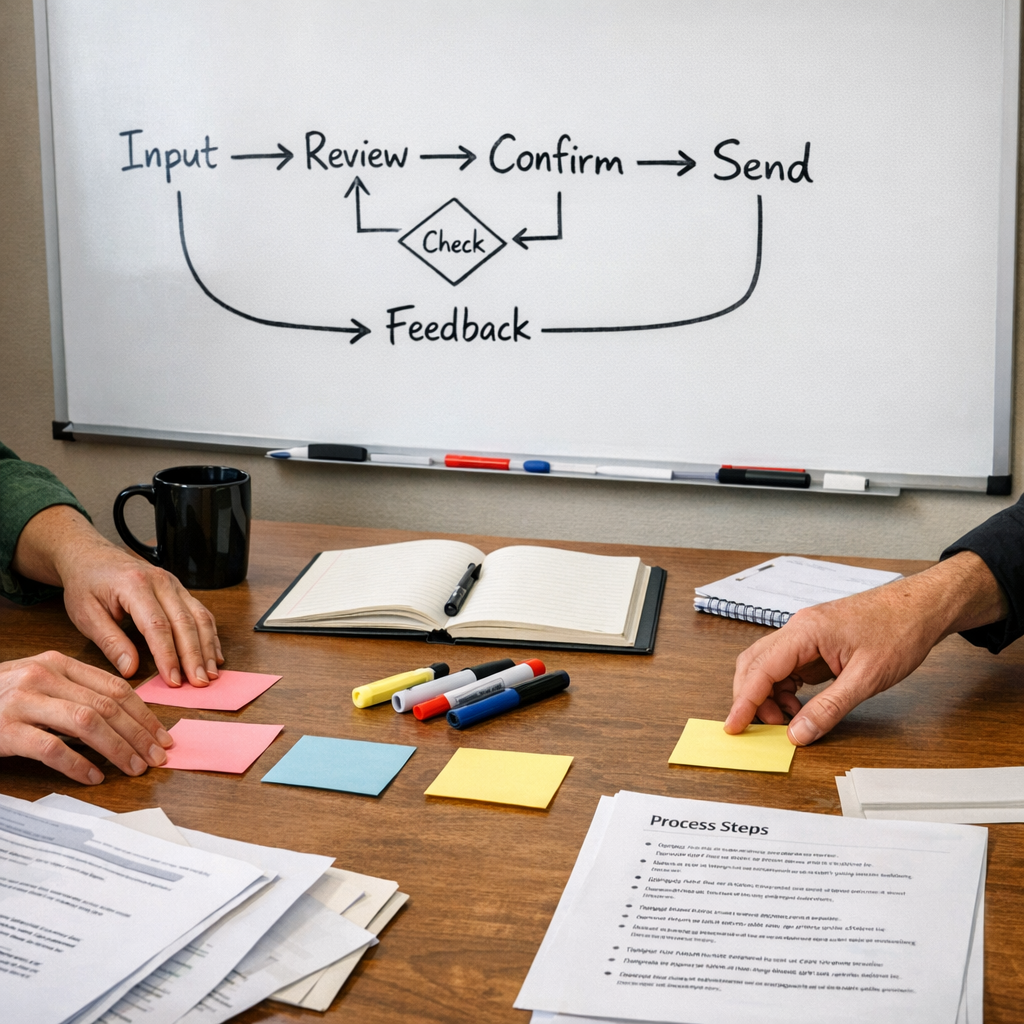
A reusable AI workflow should be tested before it becomes part of daily operations.
Use three examples:
- A clean example: The easy case where most information is available.
- A messy example: The realistic case with missing fields, vague notes, or conflicting details.
- A sensitive example: The case where a wrong assumption could create customer, legal, or operational risk.
After each test, ask:
- What did the AI miss?
- Where was the output too generic?
- What should have been flagged but was not?
- Was the format easy for the team to use?
- What should be added to the guardrails?
This testing step matters. A reusable workflow is only useful if it performs well under real conditions, not just in the clean demo case.
The Bigger Point: Process Before Tools
It is tempting to start with the tool. Which AI platform should we use? Should this be an agent? Should it connect to the CRM? Should it trigger from a form?
Those are good questions, but they come later.
First, define the work. What should happen? What should never happen? What does good look like? Where does a human need to approve, confirm, or decide?
Once that is clear, the tooling becomes much easier. The workflow can become a saved prompt, an AI assistant instruction, part of a CRM process, a ClickUp intake step, or a Make or Zapier automation with AI in the middle.
But without the process, the tool will simply produce faster inconsistency.
Start With One Repeated Task
If your team is new to reusable AI workflows, start small.
Pick one task people already repeat. Choose something with clear inputs and a clear output. Run it manually with AI once. Correct the result. Write down the steps, format, and guardrails. Test it on a few real examples. Then decide whether it belongs in your daily workflow.
That is enough to begin.
At ConsultEvo, we help teams turn repeated manual work into clearer systems, practical AI workflows, and automation that fits the way the business actually operates. If your team keeps re-explaining the same task to AI, that is usually a sign the workflow is ready to be documented and improved.