

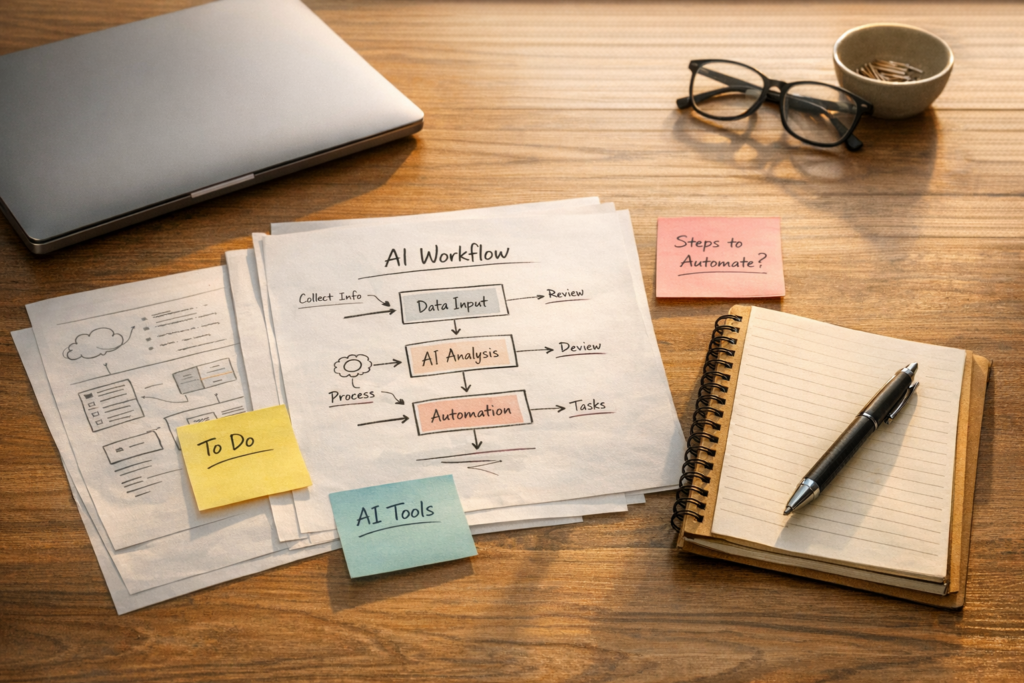
How to Turn Repeated AI Prompting Into a Real Workflow
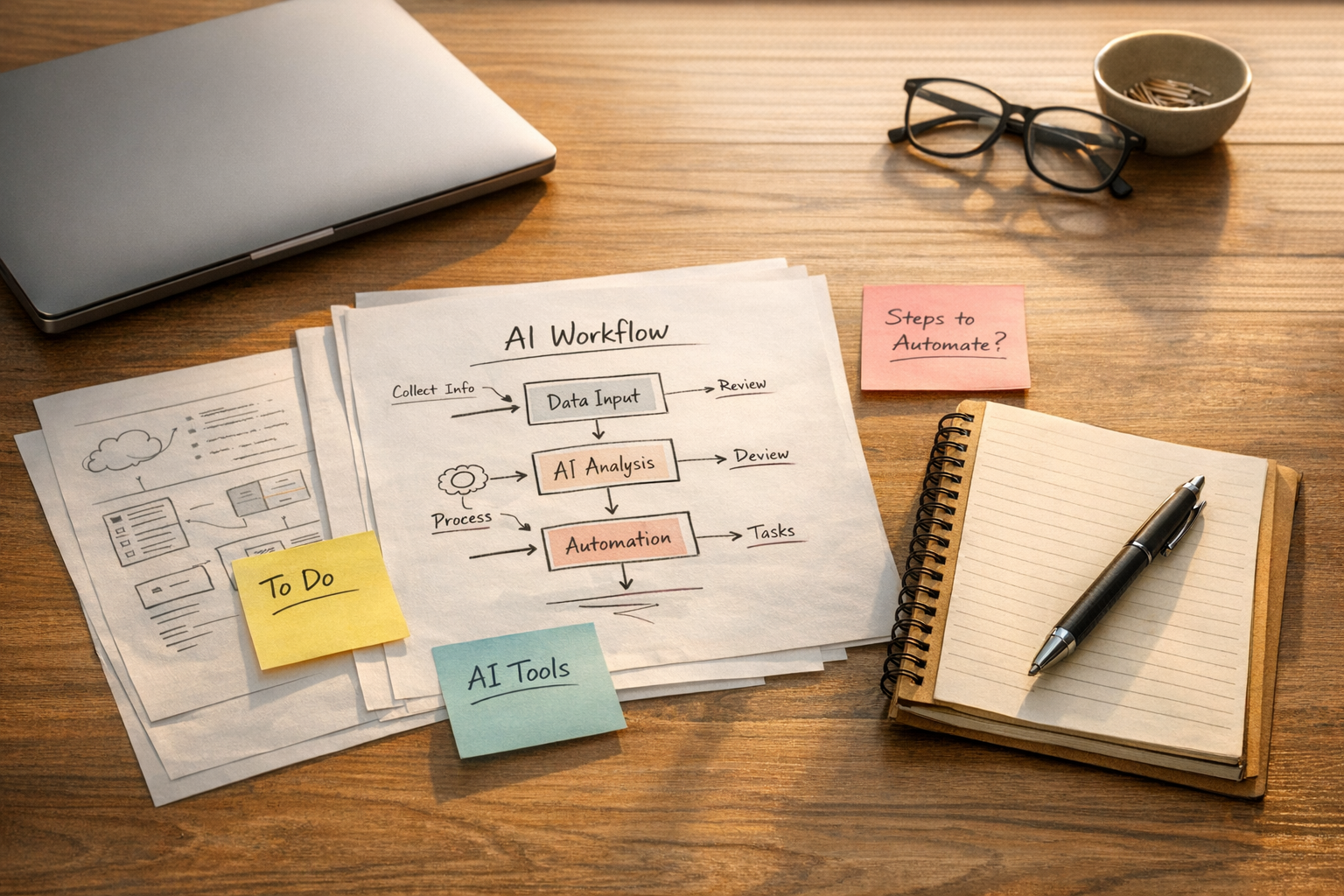
Many teams are already using AI every week. They use it to draft emails, summarize calls, create content outlines, review notes, classify requests, prepare reports, and clean up messy information.
But there is a quiet problem inside a lot of this usage: the person is still doing too much setup every time.
They open a chat. They paste the same context. They upload the same examples. They explain the same preferences. They correct the same mistakes. Then, a few days later, they repeat the whole thing again.
That is better than doing everything manually, but it is not yet a strong operating system. It is manual work with an AI layer on top.
The next step is to turn repeated AI use into a reusable workflow.
Start with the repeated work, not the tool
The first question should not be, “Which AI agent platform should we use?”
A better question is, “What work do we repeat often enough that the setup has become part of the job?”
This could be a sales handoff, a support ticket review, a content brief, a client onboarding summary, a CRM cleanup task, or a weekly operations report. The workflow does not need to be large. In fact, the best first candidate is usually small, specific, and already well understood by the team.
If the work is too vague, the agent will be vague. If the process is messy, the automation will usually expose the mess rather than solve it.
That is why ConsultEvo usually starts with process before tools. Once the work is clear, tools like Make, Zapier, ClickUp, HubSpot, GoHighLevel, Shopify, or a custom AI assistant can be designed with more confidence.
The five parts of an agent-ready workflow
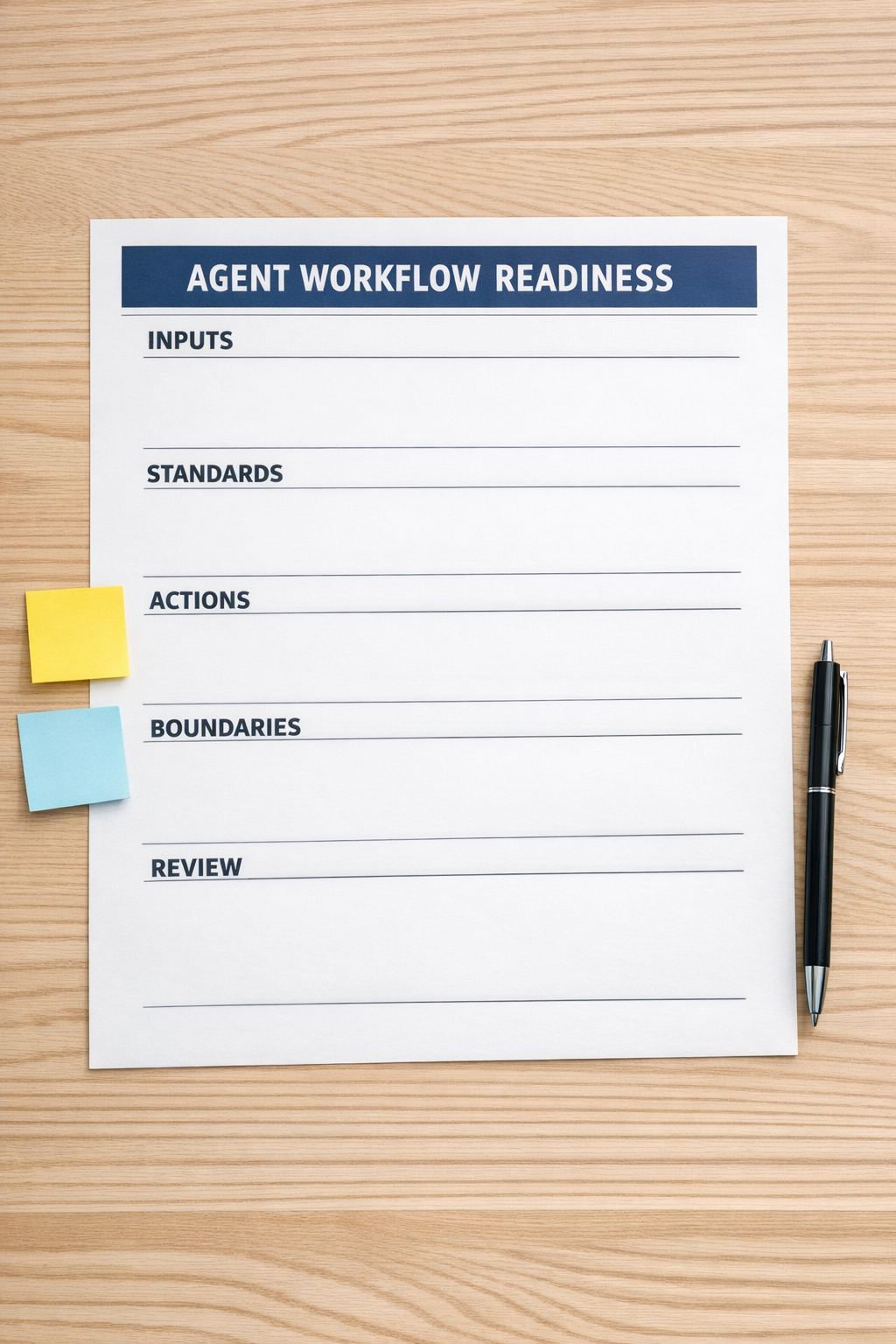
A practical AI agent needs more than a prompt. It needs a defined operating context. Before building anything, document these five parts.
- Inputs: What information should the agent use? This might include CRM fields, task comments, call notes, previous examples, uploaded documents, product details, or support history.
- Standards: What does good work look like? Include tone, format, required sections, quality rules, naming conventions, and examples of acceptable output.
- Actions: What should the agent actually do? Draft, summarize, classify, route, compare, prepare, enrich, or flag. Keep this specific.
- Boundaries: What should the agent not decide alone? Pricing, refunds, legal language, sensitive customer replies, account changes, or anything that needs human judgment.
- Review: Where does a person check the output before it moves forward? This is especially important when the workflow touches customers, revenue, compliance, or public content.
This structure turns AI from a one-off assistant into a repeatable part of the operation.
Look for repeated context
One of the clearest signs that a workflow is ready for improvement is repeated context.
If your team keeps pasting the same background into AI tools, that context probably belongs inside the workflow. If people keep correcting the same tone, structure, or decision logic, those standards should be captured. If the same files are needed every time, the agent should know where those files live or how they are supplied.
This is where teams often find quick wins. The AI output may not need to be perfect. The first goal is often simpler: reduce recurring setup and repeated correction.
For example, a sales team might use an AI-assisted workflow to prepare a handoff summary after a discovery call. The agent can pull from call notes, CRM fields, and a standard handoff template. A human still reviews it before it goes to delivery. The value is not that the agent replaces the salesperson. The value is that the salesperson no longer starts from a blank page after every call.
Build one workflow before building a system
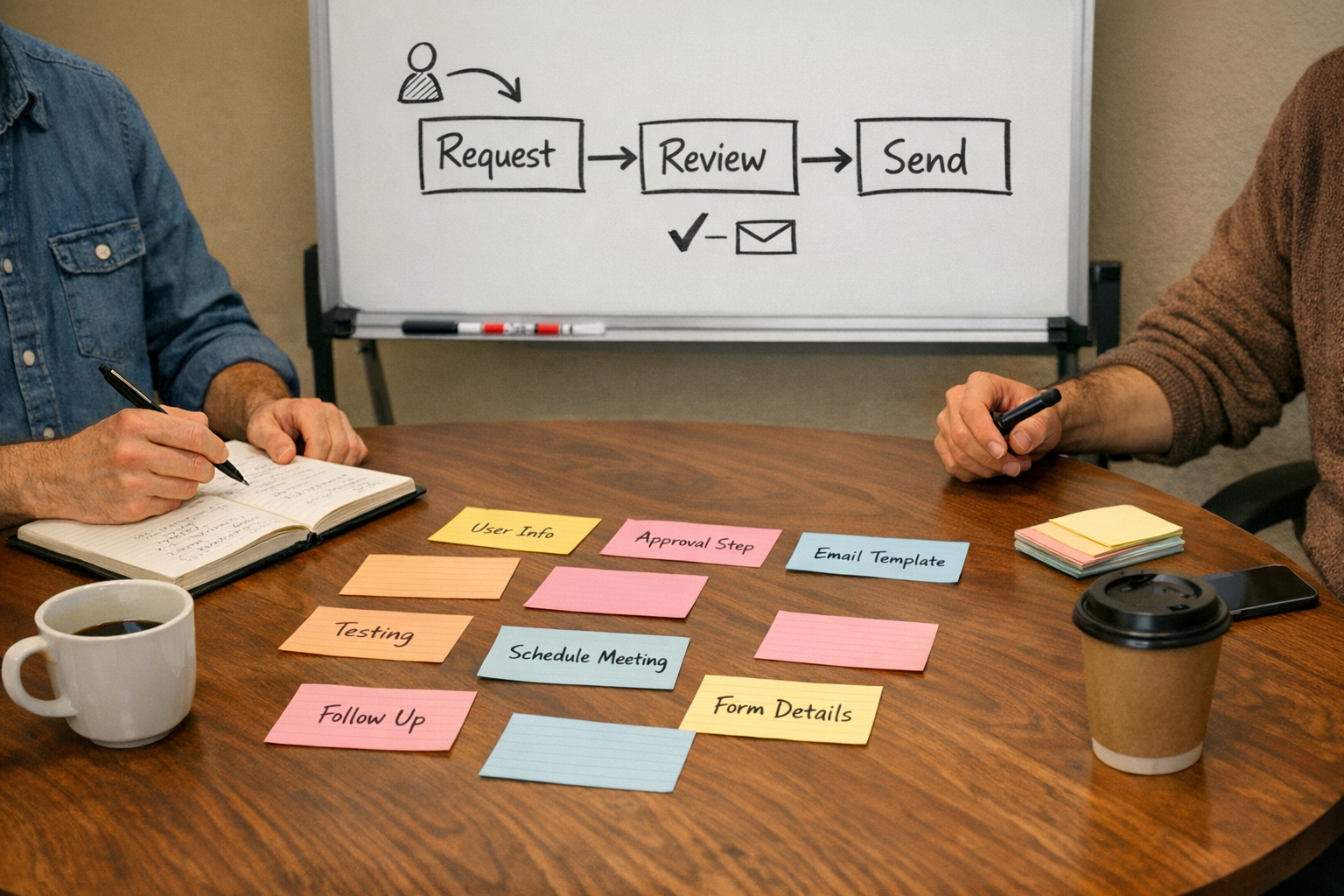
It is tempting to design a large AI operating system right away. Usually, that creates more complexity than value.
A better approach is to choose one workflow and validate it carefully. Pick something that happens frequently, has clear inputs, and creates a visible output. Then build a small version that the team can test.
Ask these questions during validation:
- Did the workflow reduce manual copy-paste?
- Did it reduce repeated explanation?
- Did it produce a useful first draft or decision aid?
- Did the review step catch the important issues?
- Did the team actually want to use it again?
If the answer is yes, you can improve the workflow and connect it more deeply into your tools. If the answer is no, you have learned something before overbuilding.
Where automation fits
Once the agent workflow is clear, automation can handle the movement around it.
Make or Zapier can move information between forms, CRMs, task tools, spreadsheets, inboxes, and AI steps. ClickUp can hold task structure, statuses, SOPs, dashboards, and review queues. HubSpot or GoHighLevel can support sales and marketing follow-up. Shopify operations can benefit from better order, support, and inventory-related workflows.
But the automation should support the process, not hide a weak one.
If the handoff is unclear, automating it will simply move unclear information faster. If the CRM is messy, an AI agent may struggle to reason from unreliable data. If no one owns the review step, the workflow becomes risky.
Operational clarity still matters.
A simple implementation path
If you want to make this practical, start here:
- Choose one recurring workflow. Pick a real task that happens weekly or daily.
- Collect examples. Gather good outputs, bad outputs, source files, and notes from the people doing the work.
- Define the standard. Write down what the agent should follow every time.
- Create the first version. Keep it small and easy to test.
- Add a review step. Decide who approves the output and what they check.
- Measure the friction removed. Look for less copy-paste, fewer repeated corrections, and faster handoffs.
This is not about chasing every new AI feature. It is about making the work easier to repeat with less drag.
ConsultEvo helps teams design and build these kinds of workflows. If your team is using AI but still repeating setup, copying information between tools, or fixing the same process gaps every week, we can help map the workflow, validate the opportunity, and build the automation around it.