

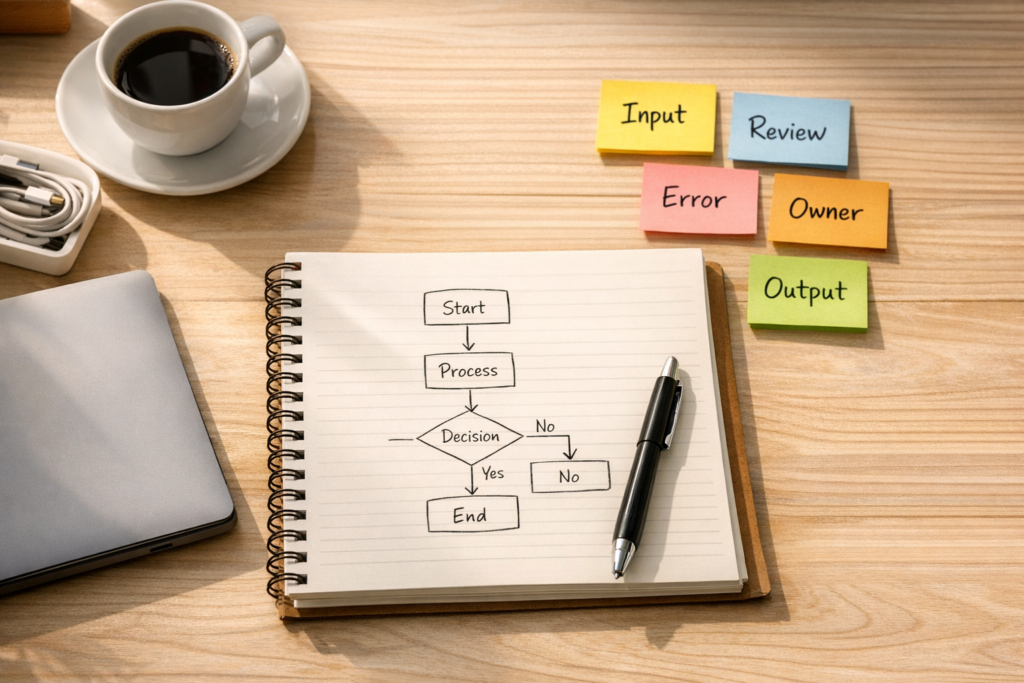
Before You Add AI to Make, Validate the Workflow
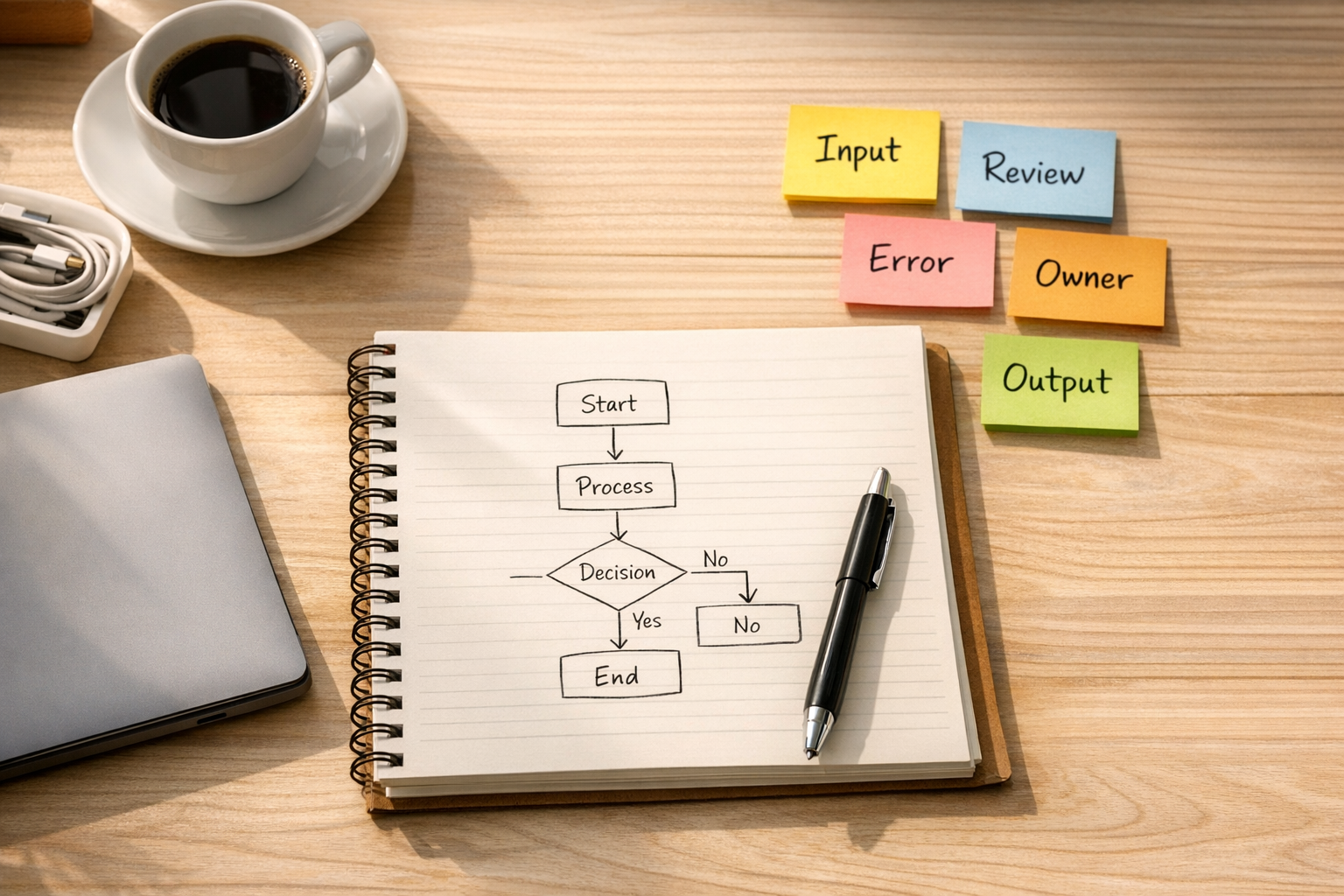
Automation platforms are becoming more capable. AI agents can help draft, classify, summarize, extract, route, and reason through messy business information. Tools like Make can connect those AI steps to CRMs, project management systems, inboxes, forms, databases, ecommerce platforms, and internal operations.
That is useful. It also creates a new risk.
If the workflow is not clear before the build starts, AI does not fix the process. It often makes the confusion move faster.
This is one of the most common issues we see when teams start adding AI to automation. The tool is not the real blocker. The blocker is usually an undocumented decision, a messy input, an unclear owner, or an exception path that only exists in someone’s head.
So before you build a new Make scenario, add an AI step, or ask an agent to manage part of your operation, validate the workflow first.
The scenario is not the strategy
Make is excellent for connecting systems and moving work between tools. It can route records, transform data, trigger actions, schedule tasks, and coordinate multi-step processes. With AI in the mix, it can also help interpret unstructured inputs and produce useful outputs.
But a Make scenario should be the expression of an operational decision, not the place where you discover the decision.
If the team cannot explain the workflow in plain language, the automation will usually become fragile. It may work during a demo, but fail when a customer sends unusual data, a salesperson skips a field, a support request includes conflicting details, or an AI response needs review.
Good automation starts with a simple question:
What work should this remove, and what should still be owned by a human?
That question keeps the build grounded. It also prevents the common mistake of automating every step just because the tool can technically do it.
Five things to validate before adding AI
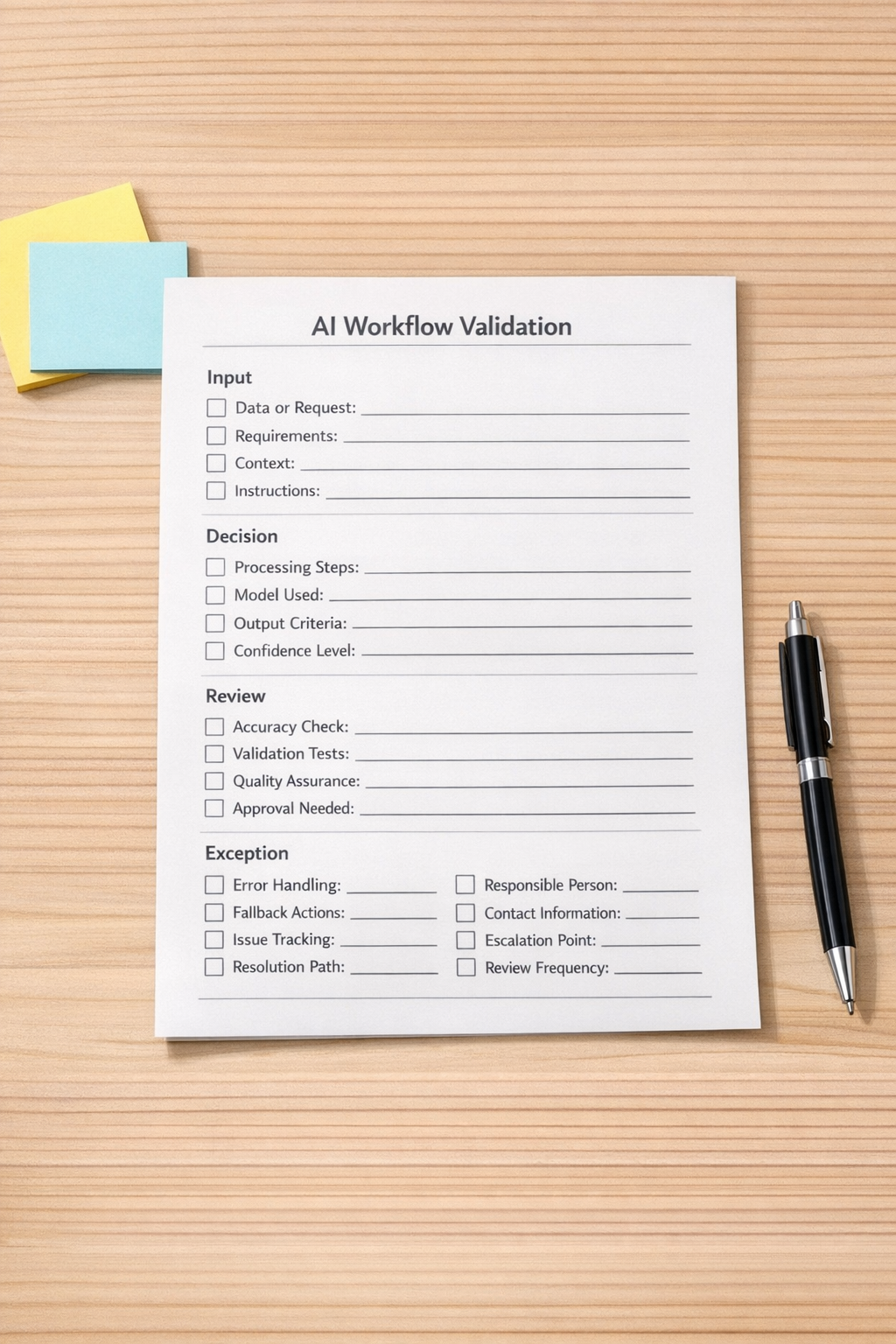
You do not need a long strategy document to validate an AI workflow. In many cases, one clear page is enough. Before building, define these five items.
- Input: What information enters the workflow? Is it structured, messy, optional, or inconsistent?
- Decision: What decision is being made? Is the automation routing, scoring, drafting, approving, rejecting, or enriching something?
- Review: Where does a human need to approve, edit, or confirm the result?
- Exception: What happens when data is missing, the AI is unsure, or the output conflicts with business rules?
- Owner: Who monitors the workflow, fixes failed runs, and improves the logic over time?
These five areas expose most automation risks early. They also make the build easier because the scenario has a clear purpose.
Where AI belongs in the workflow
AI is strongest when it is given a specific job inside a larger process. For example, it might summarize a support request, classify a lead source, draft a response, extract key fields from a document, or compare a submission against a set of rules.
It is weaker when it is asked to own an undefined process from beginning to end.
A practical AI automation usually has boundaries. The AI handles work that is repetitive, text-heavy, or time-consuming. Make handles the routing, data movement, scheduling, and system updates. Humans handle judgment, exceptions, relationship context, and final accountability.
That balance matters. It keeps the automation useful without pretending every business decision should be delegated.
A simple example: sales handoff cleanup
Imagine a business wants to automate the handoff from a website inquiry to the sales team. The tempting build is simple: form submission comes in, AI reads it, CRM contact is created, task is assigned, and a reply is sent.
That may work, but only if the workflow rules are clear.
Before building, the team should decide:
- Which form fields are required before a sales task is created?
- How should the AI classify inquiry type?
- What should happen if the email address looks wrong?
- When should the lead go to a human before any response is sent?
- Where should the original submission and AI summary be stored?
- Who reviews failed or questionable submissions each day?
Once those answers exist, the Make scenario becomes much easier to design. It can include filters, routers, AI prompts, fallback paths, notifications, CRM updates, and review steps with a clear reason for each part.
Build for exceptions, not just the happy path
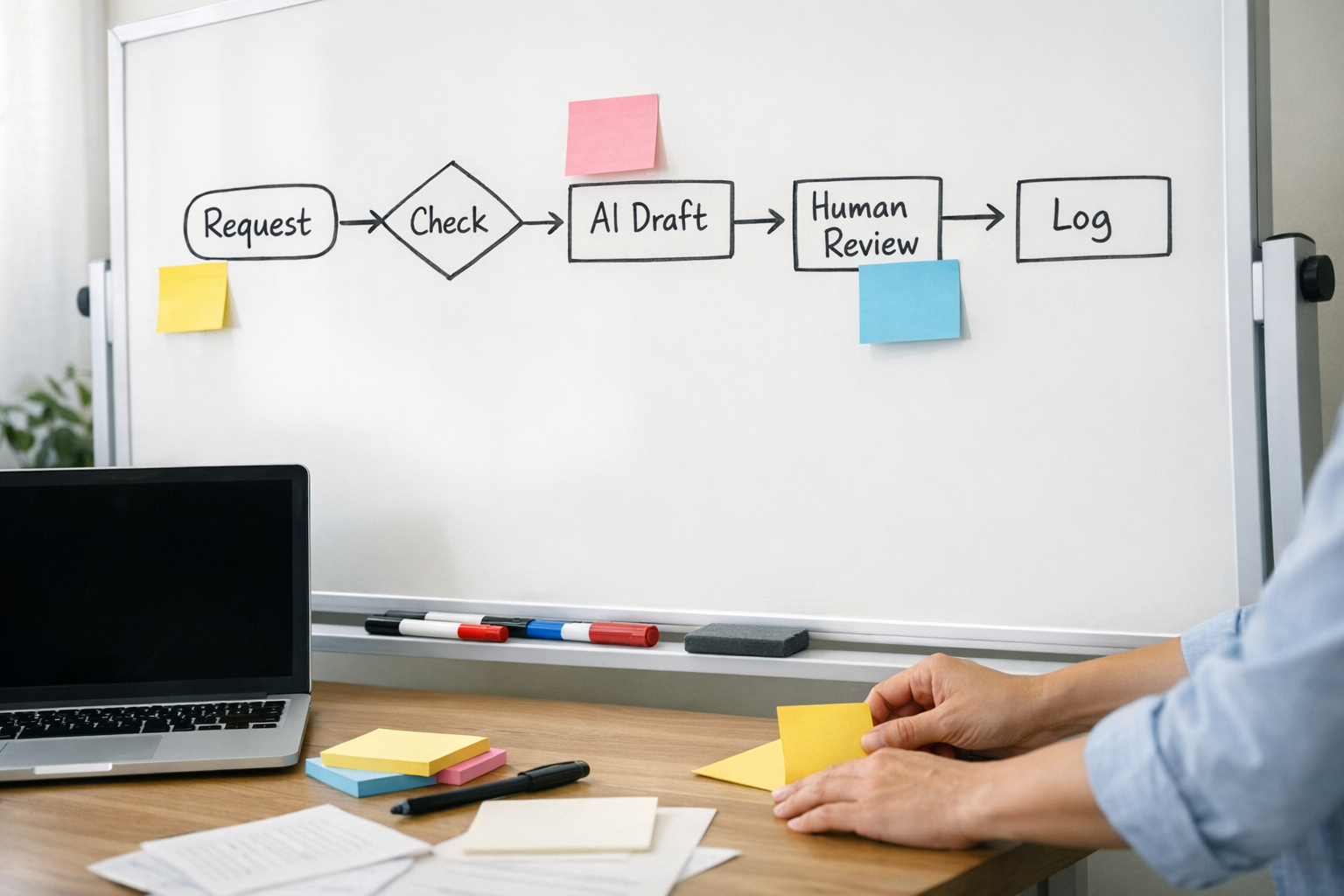
Many automations are built around the perfect version of the process. The form is complete. The customer writes clearly. The CRM has no duplicate. The AI output is clean. The team member is available. The API responds correctly.
Real operations are not that tidy.
This is why exception design is a serious part of automation ROI. A workflow that saves ten minutes per task but creates a messy error queue nobody owns may not be a win. A workflow that handles 80 percent of the work cleanly and routes 20 percent to the right person may be far more valuable.
For AI workflows, exception handling should include:
- A clear fallback when required data is missing
- A human review step for sensitive or uncertain outputs
- A place to log the original input and the AI result
- Notifications that go to an owner, not a random channel
- A process for improving prompts and rules based on real failures
This is not extra complexity. It is what makes the automation usable after launch.
Make the workflow observable
Another important design choice is visibility. If a workflow matters to the business, someone should be able to understand what happened without opening ten different tools.
That might mean logging key events in a CRM note, sending a summary to a ClickUp task, storing review items in a database, or creating a simple audit trail. The right choice depends on the operation, but the principle is the same: do not let the automation become invisible.
When a customer asks what happened, or a manager needs to review performance, the workflow should leave enough context behind to answer.
Start smaller than you think
The best first version of an AI automation is often narrower than the original idea. Instead of automating the entire process, start with one painful step: summarizing inbound requests, cleaning CRM fields, preparing draft replies, routing records, or creating tasks from structured inputs.
Then measure whether the workflow actually reduces manual work. Are people copying and pasting less? Are handoffs clearer? Are errors easier to catch? Is the team spending less time chasing missing information?
Those practical outcomes matter more than how advanced the automation looks.
How ConsultEvo can help
At ConsultEvo, we help teams design and fix automation workflows across Make, Zapier, ClickUp, HubSpot, GoHighLevel, Shopify, WordPress, and custom operational systems. Our focus is not just connecting tools. It is making sure the process is clear enough to trust.
If you are planning an AI agent, Make scenario, CRM workflow, or operational handoff, we can help you validate the workflow, define the logic, design the exception paths, and build an automation that removes real work instead of creating more follow-up.
Good automation starts before the first module is added. Start with the process, then choose the tools.