


AI Agents Need a Definition of Done Before They Need More Tools

AI agents are moving from simple assistants toward systems that can remember prior work, delegate subtasks, evaluate outputs, and continue through longer workflows. That is useful progress. But for business operators, the most important question is not how autonomous an agent can become.
The better question is: how do we know the work is actually done?
This sounds basic, but it is where many AI automation projects get messy. A team builds an agent to summarize sales calls, update CRM fields, draft customer replies, clean task data, or prepare support handoffs. The demo looks promising. The agent produces structured output. The workflow runs. Everyone feels close.
Then real operations expose the problem. The summary sounds polished but misses buying intent. The CRM update fills the right fields but overwrites useful context. The support handoff includes a friendly recap but leaves out the actual blocker. The task update says “complete” but the next person still does not know what to do.
In those cases, the issue is not always the model. Often, the workflow never defined what “done” means.
Why “looks done” creates operational risk
AI is very good at producing work that looks finished. That is helpful when the task is low-risk and easy to review. It becomes risky when the output drives downstream operations.
For example, a CRM enrichment agent might update lifecycle stage, lead source, company size, and next step. If those fields trigger automations, routing, reporting, or sales priorities, a small mistake can create a chain reaction. A support summary agent might prepare an internal handoff. If it misses a refund request, compliance concern, or repeated frustration, the next teammate starts from the wrong place.
Operationally, the danger is not only bad output. It is bad output that appears acceptable enough to skip review.
That is why AI agent design should start with a definition of done, not with a tool list.
Start with acceptance criteria
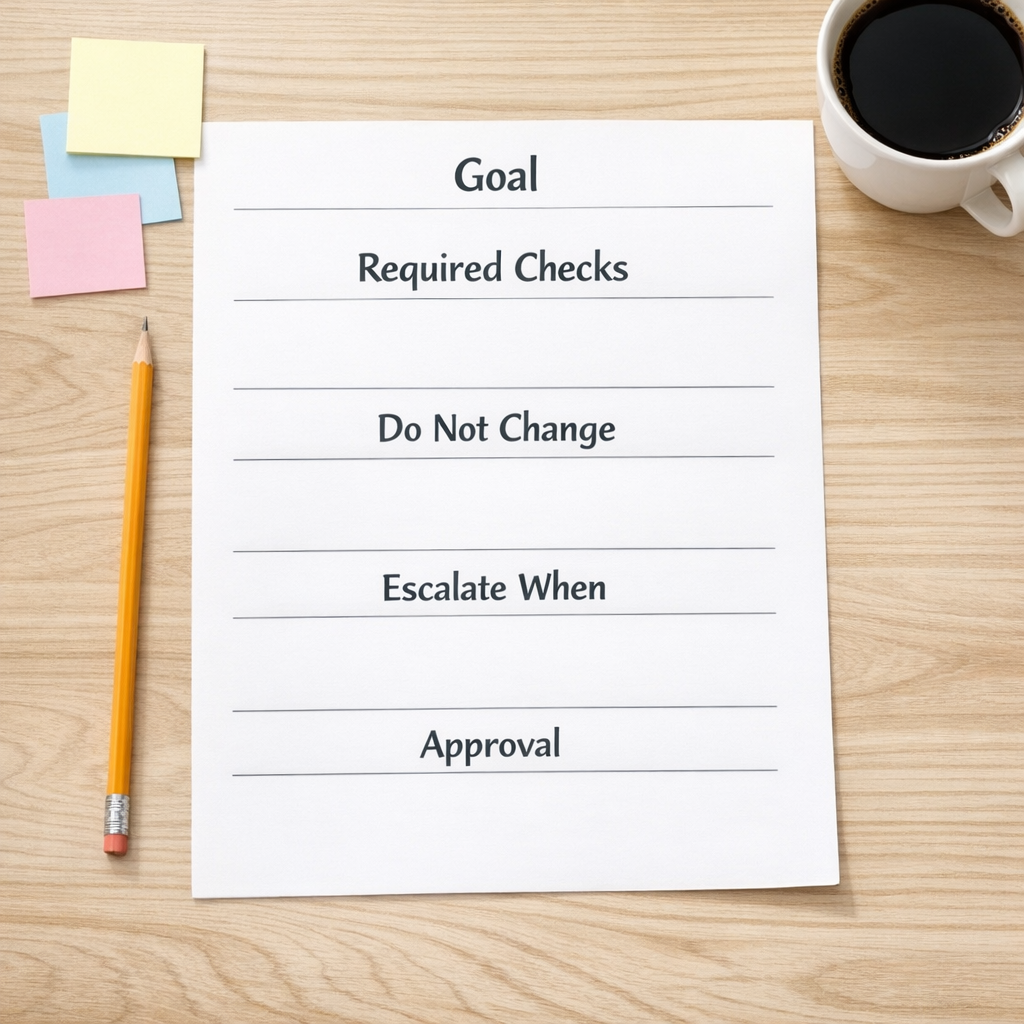
Before giving an agent access to your CRM, ClickUp workspace, helpdesk, inbox, Shopify data, or automation platform, write the acceptance criteria in plain business language.
A useful agent acceptance worksheet includes:
- Goal: What specific job should the agent complete?
- Required checks: What must be verified before the work is marked complete?
- Protected fields or actions: What should the agent never change without approval?
- Escalation rules: When should the agent stop and ask a human?
- Output format: What does the next person or system need to receive?
- Failure examples: What would make the output unacceptable?
This does not need to be complex. In fact, the best version is usually short and specific.
For a sales handoff agent, the acceptance criteria might say: include the customer’s stated goal, urgency, known objections, promised follow-up, decision maker status, and next recommended action. Do not change deal stage unless the transcript clearly supports it. Escalate if pricing, legal terms, cancellation, or a custom request is mentioned.
That simple set of rules is more useful than telling the agent to “create a high-quality summary.”
Separate doing the work from checking the work
One of the most practical patterns in AI automation is separating execution from evaluation.
The first step is the worker agent. It performs the task: summarize, classify, draft, update, compare, route, or prepare. The second step is the reviewer. That review can be another AI check, a deterministic rule, a human approval, or a combination.
For example:
- A lead routing workflow checks whether required CRM fields are present before assigning the deal.
- A support handoff workflow checks whether the customer issue, attempted fixes, sentiment, and required next action are included.
- A content workflow checks whether the draft follows the brief before creating ClickUp tasks for review.
- A Shopify operations workflow checks whether order exceptions are categorized before notifying the team.
This review layer is not bureaucracy. It is how you prevent automation from quietly spreading bad data.
Use memory carefully
Modern agents are increasingly able to retain lessons across sessions. That can be useful when the agent keeps repeating the same mistake, such as using the wrong naming convention, misreading a recurring customer request, or forgetting a company-specific workflow rule.
But memory should not become an unreviewed junk drawer. If an agent learns from messy sessions, it can carry forward messy assumptions. If it stores a one-off exception as a general rule, future work may drift.
A safer pattern is to treat agent memory like an operations playbook. Some information is stable and approved. Some information is temporary. Some information is only a candidate lesson until a human reviews it.
In practical terms, separate:
- Stable rules: Company policies, naming conventions, required fields, approved workflows.
- Project context: Current campaign details, client preferences, active process notes.
- Working notes: Recent lessons, exceptions, and observations that need review before reuse.
This keeps the agent useful without letting it quietly rewrite your operating standards.
Design handoffs before autonomy
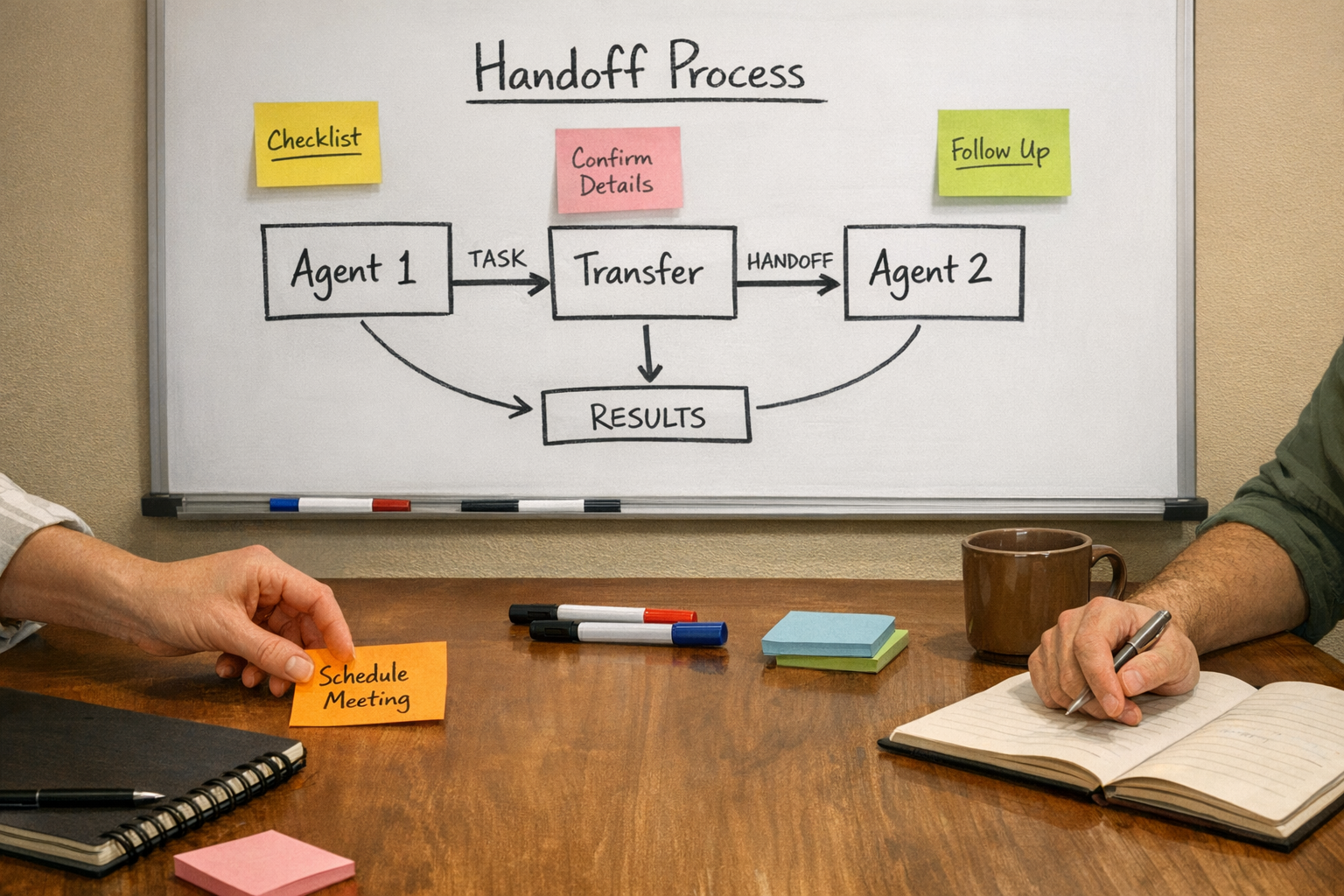
The strongest AI workflows usually have clear handoffs. The agent should know where the work starts, what data it can use, what it can change, who receives the output, and what happens when confidence is low or required information is missing.
This is where many teams benefit from process mapping before tool selection. Whether the build uses Make, Zapier, HubSpot, GoHighLevel, ClickUp, Shopify, WordPress, or a custom AI layer, the core design questions are the same:
- What triggers the workflow?
- What information is required?
- What decisions can be automated?
- What decisions need approval?
- What system is the source of truth?
- What should happen when the agent cannot complete the task safely?
If those answers are unclear, more tools will not fix the workflow. They will just make the confusion run faster.
A practical build sequence
If you are considering an AI agent for your operations, use this sequence:
- Map the current manual workflow. Identify the repeated work, decision points, and handoffs.
- Choose one narrow job. Avoid asking the first agent to handle an entire department process.
- Write the definition of done. Include checks, constraints, escalation rules, and output format.
- Build the smallest useful version. Start with draft or recommendation mode before allowing direct updates.
- Add review gates. Use human approval, field validation, rule checks, or AI review where appropriate.
- Measure rework. Track where humans still correct, reject, or rewrite the agent’s output.
- Promote only proven behavior. Turn repeated successful patterns into approved workflow rules.
This approach keeps the project grounded. It also makes ROI easier to understand because you can see which manual steps were removed, which errors were reduced, and which approvals are still needed.
The real value of AI agents
The value of AI agents is not that they can act independently. The value is that they can remove repeatable work inside a well-designed operating system.
That requires boundaries. It requires clear success criteria. It requires clean handoffs. And it requires review loops that match the risk of the workflow.
An agent without a definition of done creates more supervision. An agent with a clear definition of done can reduce copy-paste, improve consistency, and give your team more time for judgment-based work.
If you are planning an AI agent or automation workflow, ConsultEvo can help you map the process, define the review rules, and build the workflow across tools like ClickUp, Make, Zapier, HubSpot, GoHighLevel, Shopify, and WordPress.