

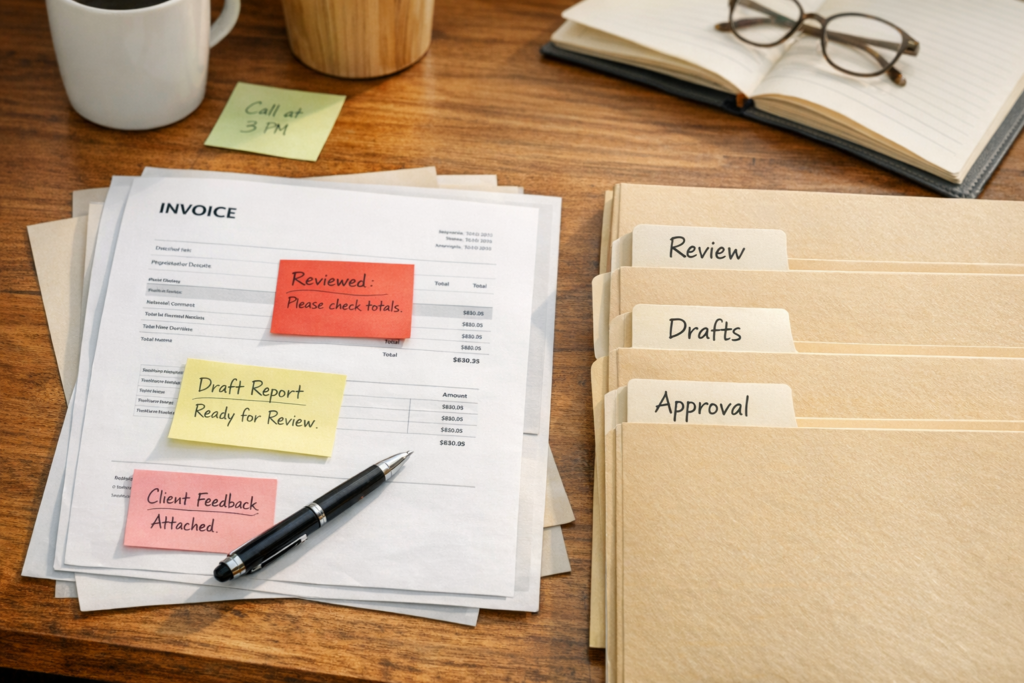
AI is more useful when it prepares work for review
Small-business owners and lean teams rarely need another place to type prompts. They already have enough tabs, inboxes, tools, invoices, notes, customer messages, and half-finished follow-ups competing for attention.
The practical opportunity for AI is not to become one more screen. It is to reduce the assembly work that happens before a human decision.
That distinction matters. A useful AI workflow should not rush straight into action. It should gather the right context, prepare a clear packet, show what it could not verify, and stop at an approval point before touching anything sensitive.
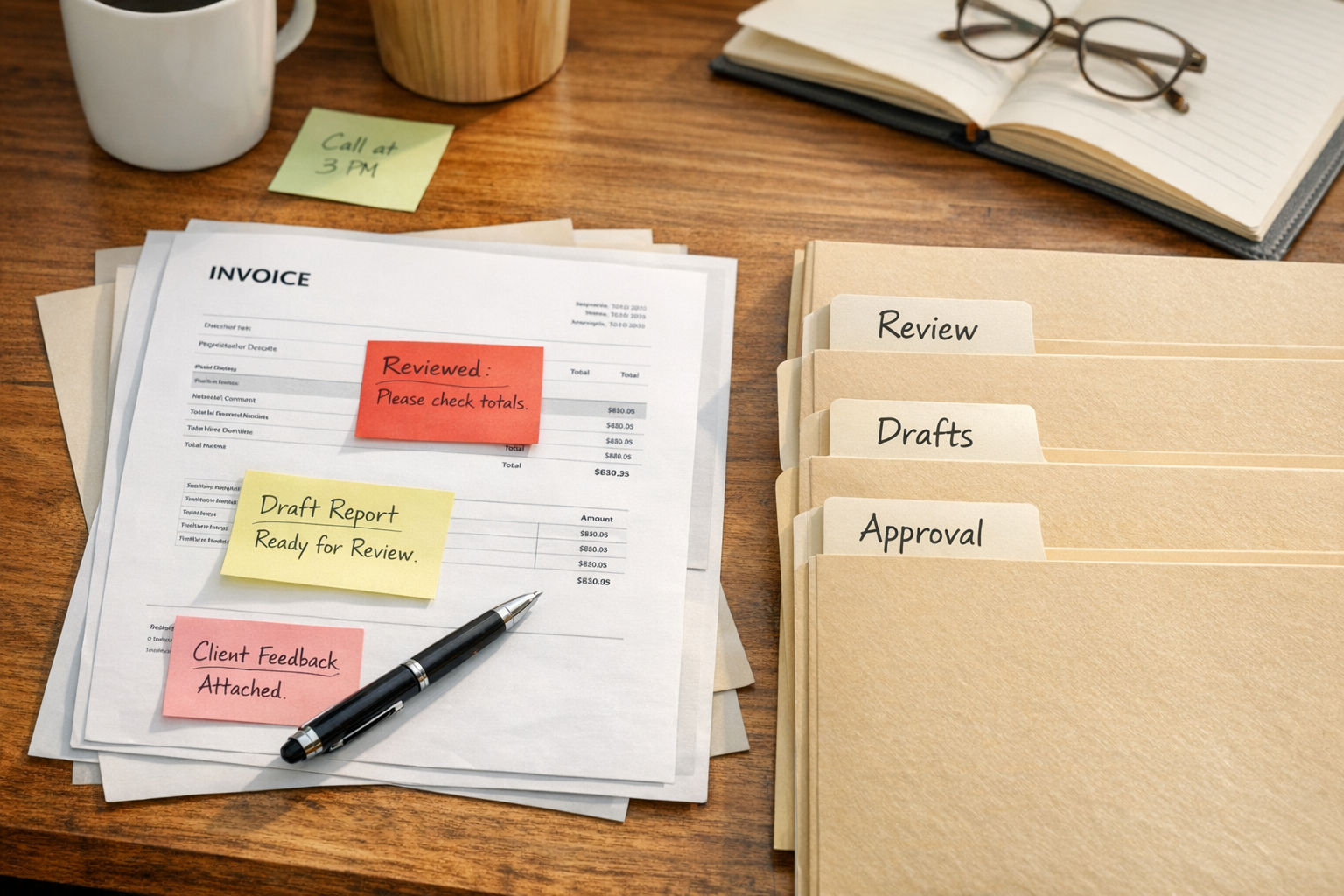
The packet is often more valuable than the automation
Many teams think automation value comes from removing every human step. In real operations, especially inside small businesses, the safer and more useful win is often different: remove the messy preparation, then let the right person approve the next move.
A packet is a small operating document. It gives the reviewer the facts, drafts, risks, missing information, and next decisions in one place.
For example, an invoice follow-up packet might include:
- Overdue invoices grouped by age
- Customer name, invoice number, amount due, and last contact date
- Customer context that may affect tone
- A suggested follow-up category, such as normal reminder, sensitive relationship, possible dispute, or missing context
- Draft messages only where safe
- Items that require owner approval before sending
- Missing information that makes the packet less reliable
This is much easier to review than a long AI-generated answer. It also gives the workflow boundaries. The AI prepares. The owner decides.
Preparation and action should be separate
The riskiest AI workflows are the ones where preparation and action blur together. Drafting a customer email is one thing. Sending it is another. Summarizing invoice status is one thing. Changing records is another. Preparing month-end questions is one thing. Making final accounting judgments is another.
Good workflow design separates those steps before any tool is connected.
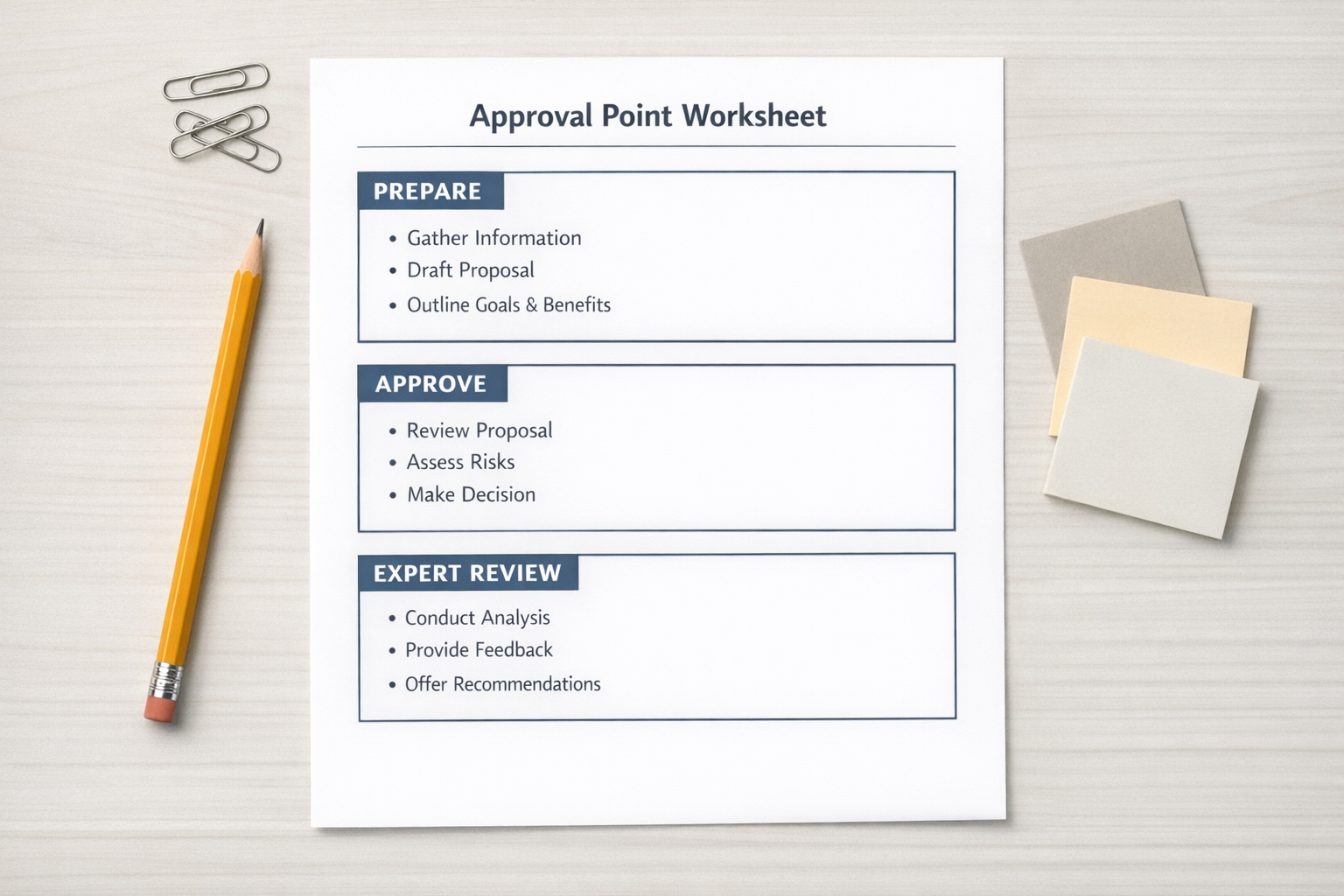
A simple approval map
Before building an AI workflow, define three categories.
AI may prepare:
- Internal summaries
- Draft customer messages
- Invoice categories
- Campaign briefs
- Lead follow-up lists
- Meeting prep packets
- Month-end question lists
- First-pass checklists
AI needs approval before:
- Sending emails
- Posting content
- Paying invoices
- Issuing refunds
- Updating customer records
- Changing financial records
- Signing documents
- Escalating disputes
- Making customer-facing claims
Expert review stays human-owned for:
- Legal conclusions
- Tax decisions
- Final accounting judgment
- Hiring decisions
- Employee discipline
- Sensitive customer disputes
- Vendor conflict decisions
- Public claims about performance or results
This map is not bureaucracy. It is what makes AI safe enough to use in real work.
Start with a boring workflow
The best first AI workflow is usually not impressive. It is annoying, repeated, and easy to check.
Good starting points include:
- Weekly business pulse
- Invoice follow-up prep
- Month-end close preparation
- Lead triage
- Customer feedback digest
- Campaign brief creation
These workflows have recognizable inputs and reviewable outputs. They also avoid giving AI too much authority too early.
For many small businesses, the weekly business pulse is a strong first test. It can gather sales notes, invoice status, customer feedback, project updates, marketing notes, calendar items, and owner comments. The output should show what changed, what needs attention, what can wait, and what the owner must decide.
No sending. No posting. No record changes. Just a clear operating summary that makes Monday easier.
More access does not fix a weak workflow
One common mistake is connecting every tool first, then asking AI broad questions about the business. That usually creates more review work, not less.
Access should be earned by the workflow.
If you are building an invoice follow-up workflow, start with invoice data and customer notes. If you are building a campaign brief workflow, start with the offer, audience notes, prior campaign learnings, and asset requirements. If you are building month-end prep, start with accounting exports, payment notes, receipt status, and owner questions.
Once the output proves useful, widen the scope carefully.
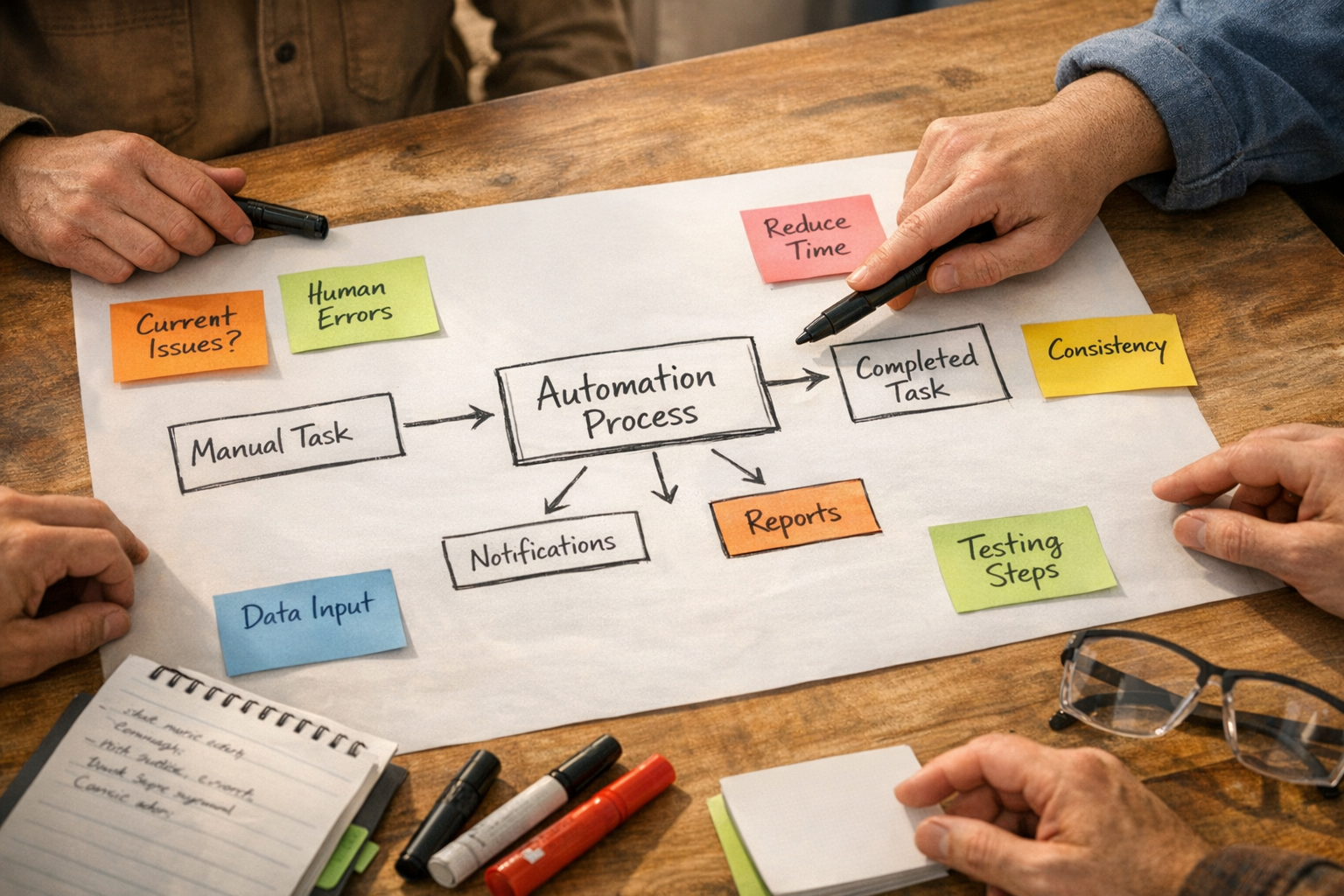
How to design the first version
Use this simple structure before building the automation.
1. Name the recurring pain
Be specific. “Admin help” is too broad. “Prepare a Friday invoice follow-up packet” is useful.
2. Define the trigger
When should the workflow run? Weekly, monthly, before a sales meeting, after a form submission, or when a deal changes stage?
3. List the inputs
Include only the sources needed for the first version. That might be a CRM export, invoice list, customer notes, project updates, or an owner voice memo.
4. Define the output
Choose a packet, memo, checklist, draft list, or summary. The format should match the decision the human needs to make.
5. Block risky actions
Write down what the AI must not do. This may include sending messages, updating records, making financial assumptions, creating legal conclusions, or changing customer status.
6. Add the approval point
Decide exactly where the workflow pauses. The approval queue should be visible, not buried at the end of a long response.
7. Define done criteria
A workflow is not done because it generated text. It is done when the reviewer can make the next decision faster and with more clarity.
The practical ROI test
AI workflow ROI should be measured in reviewable work removed, not in how advanced the setup looks.
Ask one question after the first run:
Is this packet faster to review than the work is to assemble manually?
If the answer is yes, you have a useful workflow. If the answer is no, do not connect more tools yet. Tighten the inputs, improve the output format, add clearer categories, or reduce the scope.
Strong AI workflows make the next decision easier. Weak ones create a new management task.
ConsultEvo’s view
At ConsultEvo, we see the same pattern across CRM cleanup, ClickUp structure, Make and Zapier automations, HubSpot and GoHighLevel workflows, Shopify operations, and AI agent design. The tool matters, but the workflow matters first.
Before you automate, define the job. Before you connect more data, define the packet. Before you allow action, define approval.
If your team is trying to turn recurring manual work into clear AI or automation workflows, we can help design the structure, approval points, and implementation plan.