


Before You Pick a Better AI Model, Validate the Workflow
Every new AI model release creates a wave of comparison. One model writes cleaner copy. Another handles coding better. Another is stronger at long context or tool use. For operators and founders, it is tempting to turn those comparisons into an immediate tool decision.
Should we move our workflows to this model? Should we rebuild our agents? Should we replace what we have?
Sometimes the answer is yes. But often, the model is not the bottleneck. The workflow is.

A more capable AI model can produce better outputs, follow longer instructions, and complete more steps without hand-holding. That matters. But if the process around the AI is unclear, the business still gets inconsistent results.
At ConsultEvo, we see this pattern often. A team wants an AI agent to handle sales follow-ups, support triage, CRM updates, reporting, or admin tasks. The idea is usually reasonable. The issue is that the current process depends on human memory, informal judgment, or scattered information. When that happens, the agent does not remove work. It exposes the mess.
The workflow has to be ready for the agent
An AI agent is not just a smarter chatbot. In a business context, an agent should receive inputs, make limited decisions, use tools, create outputs, and pass work to the right place. That means the surrounding workflow matters as much as the model.
Before choosing the tool, clarify the process:
- Trigger: What starts the workflow?
- Inputs: What information must be available before AI touches the task?
- Rules: What decisions can be made automatically?
- Exceptions: What should stop the automation?
- Approval: Where does a human need to review or confirm?
- Destination: Where should the finished work land?
This is not busywork. It is what separates a useful AI workflow from a clever demo.
A better model will not fix unclear ownership
Consider a simple sales handoff. A call is completed, notes are added somewhere, and someone needs to create follow-up tasks, update the CRM, and notify the delivery team if the deal is likely to move forward.
An AI model can help summarize the call, extract next steps, detect missing fields, and draft internal notes. But it still needs operational clarity.
Who owns the next task? Which CRM fields are required? What qualifies as a hot lead? When should delivery be notified? What happens when the call notes are incomplete?
If those answers are not defined, the AI has to guess. Guessing may look impressive in a test, but it becomes risky in live operations.
This is why workflow validation should happen before a full build. You do not need a long strategy document. You need a practical map of how the work should move.
Use a simple AI agent fit checklist
One helpful way to evaluate an AI opportunity is to score the workflow before automating it. Keep the checklist simple enough that an operator can complete it in one working session.
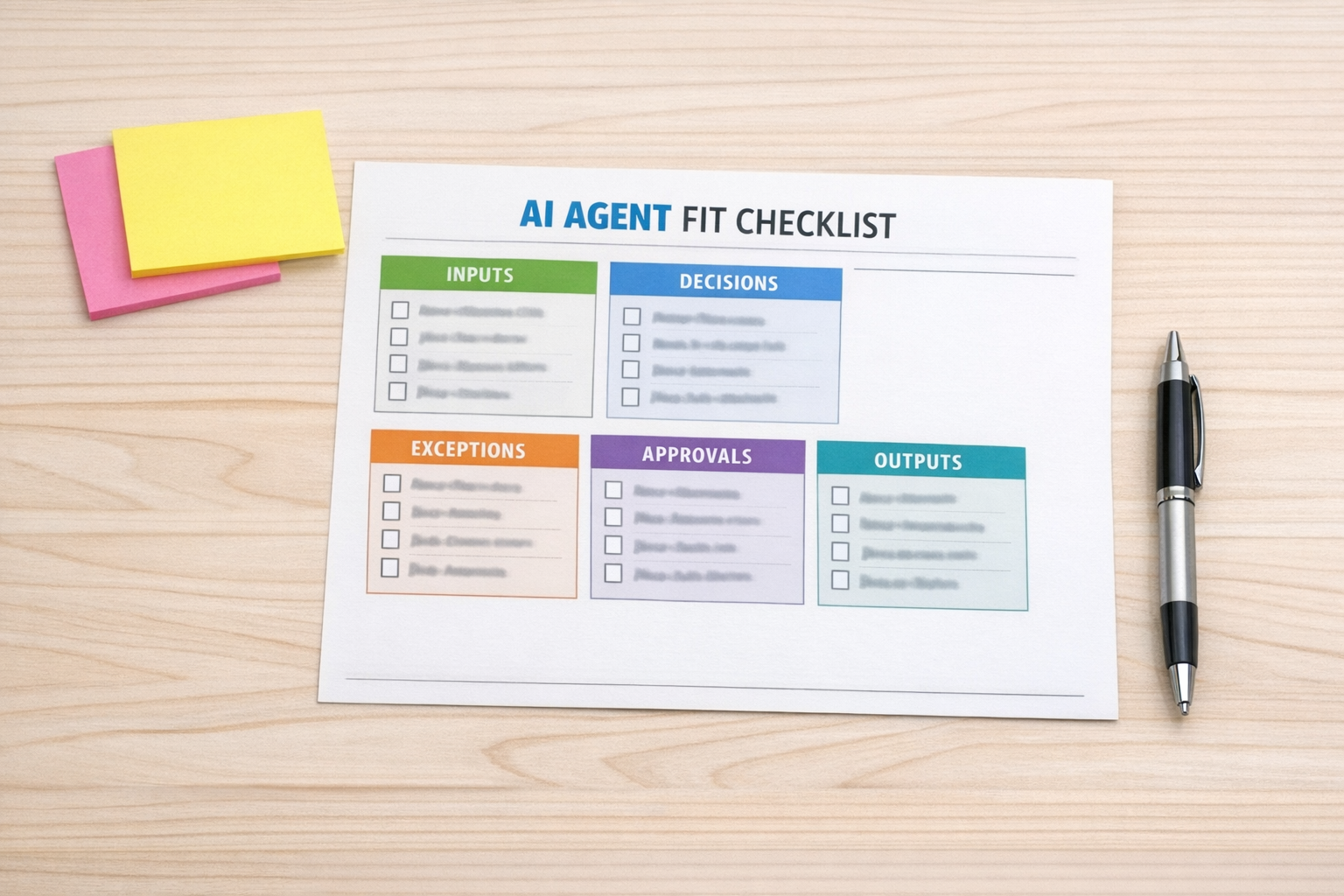
1. Is the task repeatable?
AI is more useful when the work happens often and follows a recognizable pattern. If every case is completely unique, the first step may be documentation, not automation.
2. Are the inputs reliable?
If the AI depends on meeting notes, form submissions, CRM fields, support tickets, or order data, those inputs need to be present and reasonably consistent. Bad inputs create cleanup work later.
3. Are the decision rules clear?
An agent can classify, route, summarize, draft, and recommend. But the rules need boundaries. For example, the agent can route urgent support tickets when the criteria for urgent are clear.
4. Are the exceptions known?
Good automation design includes stop signs. If required data is missing, if confidence is low, or if the customer situation is sensitive, the workflow should move to human review.
5. Is there a clean output destination?
A useful AI output should land somewhere actionable: a CRM record, a ClickUp task, a support ticket, a draft email, a Slack notification, or an approval queue. If the output lands in another messy document, the work is only half solved.
Start with the smallest useful version
The safest way to build AI into operations is not to automate an entire department at once. Start with one narrow workflow where the result is easy to review.
Good starting points include:
- Summarizing sales calls and creating follow-up tasks
- Checking CRM records for missing required fields
- Routing support tickets based on topic and urgency
- Turning form submissions into structured project briefs
- Drafting internal handoff notes between sales and delivery
- Preparing weekly operations summaries from existing task data
These are useful because they remove manual copy-paste and reduce coordination friction. They also give the team a chance to test the agent in a controlled way before expanding the workflow.
Validation before automation saves time
The biggest waste in AI automation is not choosing the wrong model. It is building around an unvalidated process.
When the workflow is unclear, every tool feels disappointing. The AI output needs too much editing. The automation breaks on edge cases. The team stops trusting it. Eventually, people go back to the manual process because it feels safer.
When the workflow is validated first, the build becomes simpler. You know what data to collect. You know which tools need to connect. You know where approval belongs. You know what success looks like.
A practical build sequence
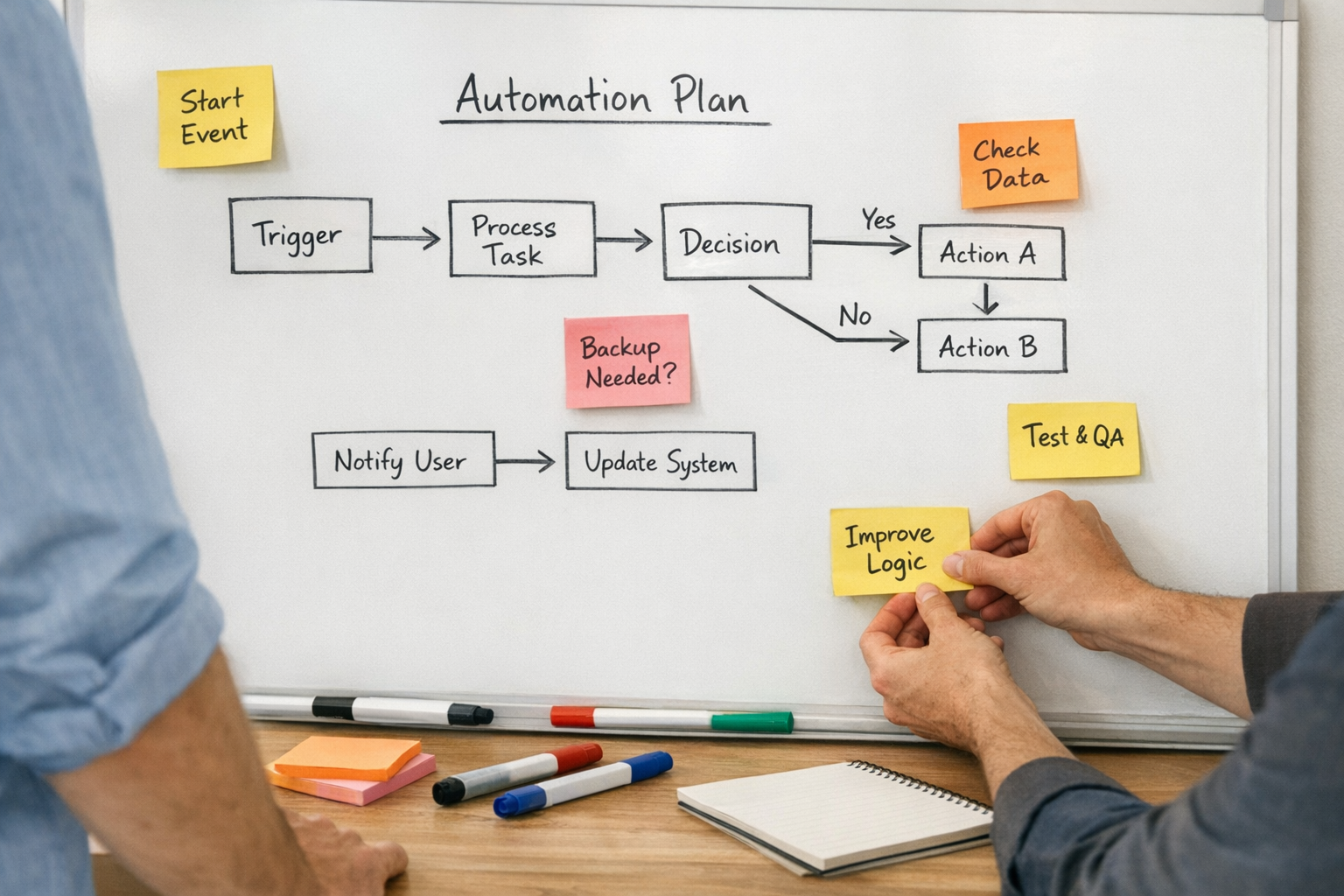
If you are considering an AI agent or automation workflow, use this sequence:
- Map the current process: Write down how the work happens today, including the messy parts.
- Identify the manual drag: Look for repeated copying, summarizing, routing, checking, and follow-up.
- Define the ideal handoff: Decide what should happen automatically and what still needs human judgment.
- Clean the inputs: Standardize forms, CRM fields, task templates, or ticket categories.
- Build a narrow version: Automate one specific workflow, not the entire operation.
- Review real outputs: Test with actual business scenarios and improve the rules.
- Expand only after trust: Once the workflow works reliably, connect more steps.
This approach is less exciting than chasing every model update, but it produces better business outcomes.
The real question
It is fine to test new AI models. Better reasoning, stronger tool use, and improved file handling can all matter. But the real question for operators is not simply, “Which model is best?”
The better question is, “Which part of our workflow is ready for AI to remove work?”
That question leads to better systems, cleaner automation, and fewer half-built experiments.
If you want help validating where AI agents, CRM workflows, ClickUp structure, Make, Zapier, or HighLevel automation can actually save time, ConsultEvo can help you map the process and build the smallest useful version first.