

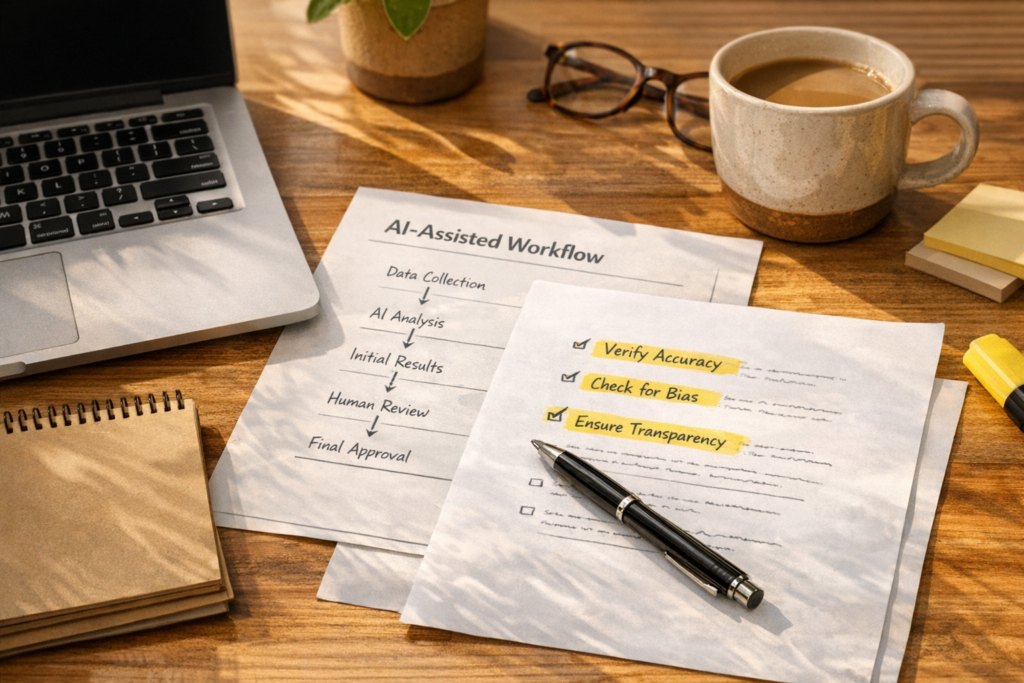
How to Build AI Workflows Your Team Can Actually Trust
AI is moving from interesting demo to daily business tool. It can draft, summarize, classify, route, compare, check, enrich, and recommend. That is useful, but it also creates a practical operations question: how do you use AI without creating a black box inside your business?
The answer is not to trust AI blindly. It is also not to reject it because it might make a mistake.
The better answer is to design workflows where AI has a clear role, clear boundaries, and a clear review path.
The AI double standard in operations
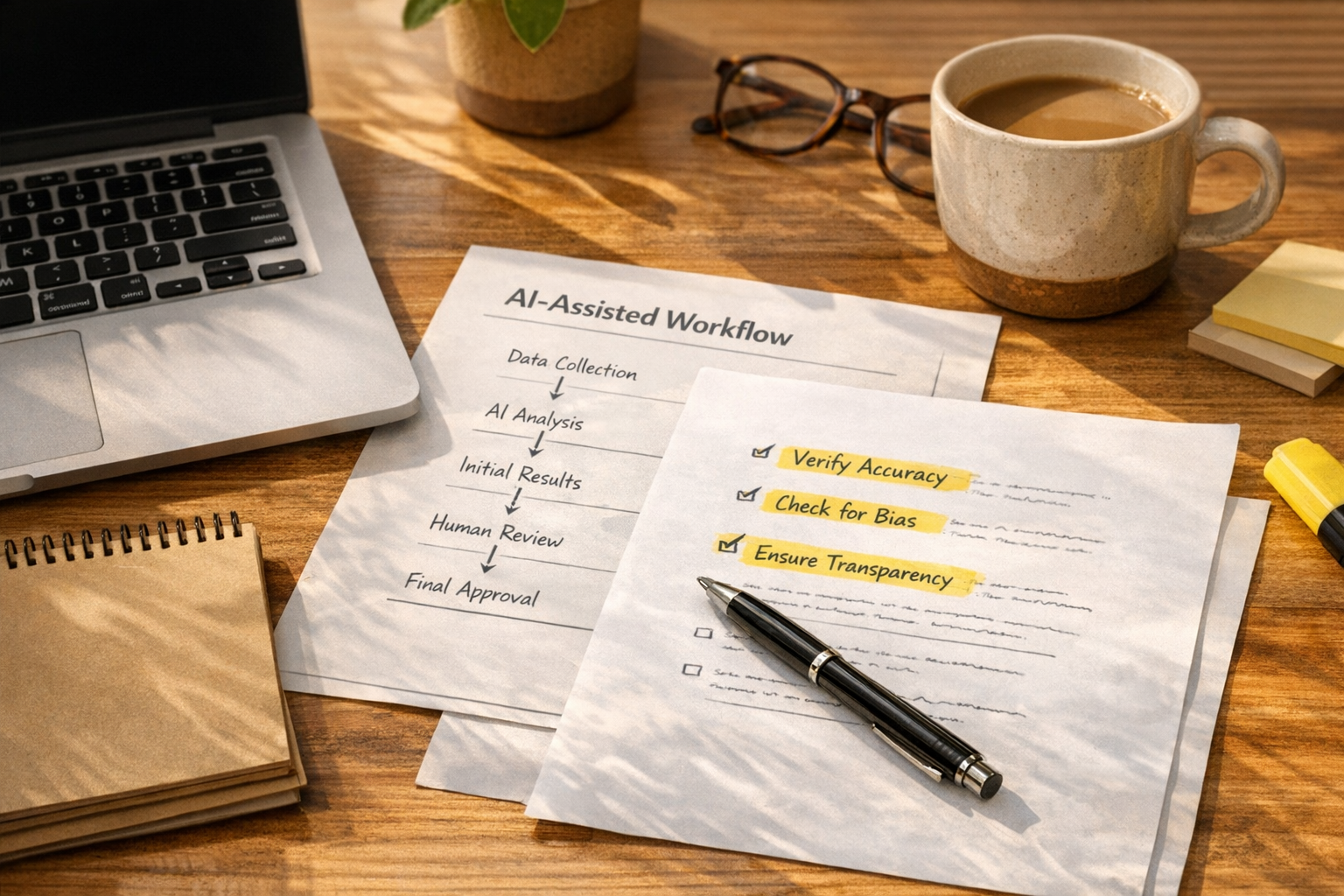
Many teams hold AI to a standard they do not apply to their current process.
They worry that AI might summarize a support ticket incorrectly, while their team is already copying ticket details into a CRM by hand. They worry that AI might route a lead to the wrong pipeline, while their lead source fields are already inconsistent. They worry that AI might miss context, while their sales handoff notes are scattered across emails, Slack threads, and call recordings.
This does not mean AI should be trusted without checks. It means the baseline process needs an honest review.
Manual does not always mean safer. Manual often means the risk is familiar, hidden, and harder to measure.
Start with the workflow, not the tool
Before choosing a model, app, automation platform, or AI agent, map the workflow in plain language. You do not need a complicated process diagram. You need to understand what currently happens, who owns each step, where data comes from, and what breaks most often.
For example, a sales inquiry workflow might look like this:
- A form submission arrives from the website
- The contact is created or updated in the CRM
- The message is reviewed and categorized
- A deal or opportunity is created if it qualifies
- A sales rep receives context and next steps
- A follow-up task is created
That is the workflow. AI might help with one part of it, such as categorizing the request or drafting a handoff note. But it should not be inserted everywhere just because it can be.
The strongest AI workflows are usually narrow, specific, and easy to inspect.
Use a simple AI workflow review
When we help teams think through automation and AI agents, we often reduce the planning to a few practical questions. The goal is to make responsibility visible before anything is automated.
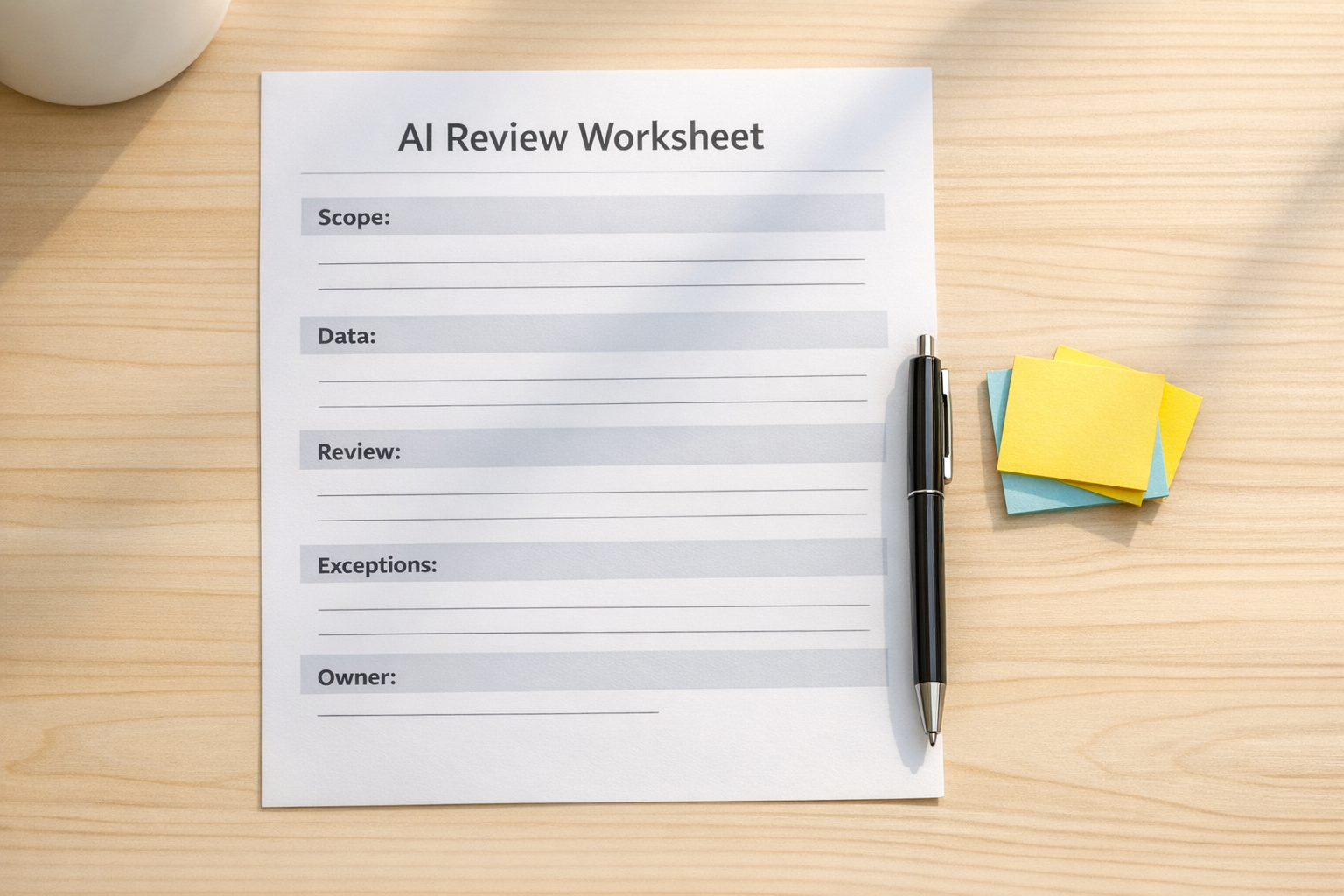
1. What is the AI allowed to do?
Be specific. There is a big difference between “AI manages support” and “AI drafts a suggested reply using the latest ticket, customer record, and internal help article.”
Useful AI actions include:
- Summarizing a conversation
- Classifying an inbound request
- Drafting a response for review
- Checking a CRM record for missing fields
- Creating a suggested task description
- Flagging an exception for a human
Risk increases when the AI is allowed to make final decisions without review, especially when the workflow affects customers, money, compliance, access, or reputation.
2. What data should the AI use?
AI output depends heavily on input quality. If the source data is messy, incomplete, duplicated, or outdated, the AI step will inherit those problems.
Before adding AI, review the data sources involved. That might include CRM fields, form submissions, support tickets, product information, order records, call notes, or internal documentation.
Ask:
- Is this data accurate enough to support the task?
- Are required fields consistently filled?
- Are there duplicate contacts or companies?
- Is there sensitive information the AI should not receive?
- Does the workflow need a fallback when data is missing?
This is where CRM cleanup and process cleanup often become part of an AI project. AI does not remove the need for clean operations. It usually exposes where the operation was already unclear.
3. Where does human review belong?
Human review should not be added randomly. It should be placed where judgment, accountability, or customer impact matters.
For example, an AI agent might prepare a sales handoff note automatically, but the sales rep owns the call. An AI step might suggest a support category, but a human reviews anything related to refunds, legal concerns, account cancellation, or frustrated customers. An automation might enrich CRM data, but unclear matches go into a review queue instead of updating records silently.
The point is not to slow everything down. The point is to reserve human attention for the steps where it matters most.
Design exception paths before launch
A workflow is not ready just because it works in the happy path. It is ready when the team knows what happens when something goes wrong.
Common exception paths include:
- Missing required data
- Conflicting information between systems
- Low-confidence AI output
- Customer message contains sensitive language
- CRM record has possible duplicates
- Automation step fails or times out
- Human approval is overdue
These exceptions should be routed somewhere visible. That might be a ClickUp task, a CRM activity, a Slack notification, an email alert, or a dedicated review board. The tool matters less than the ownership.
If nobody owns the exception, the workflow is not truly automated. It is just quietly breaking somewhere else.
Good starter workflows for AI agents
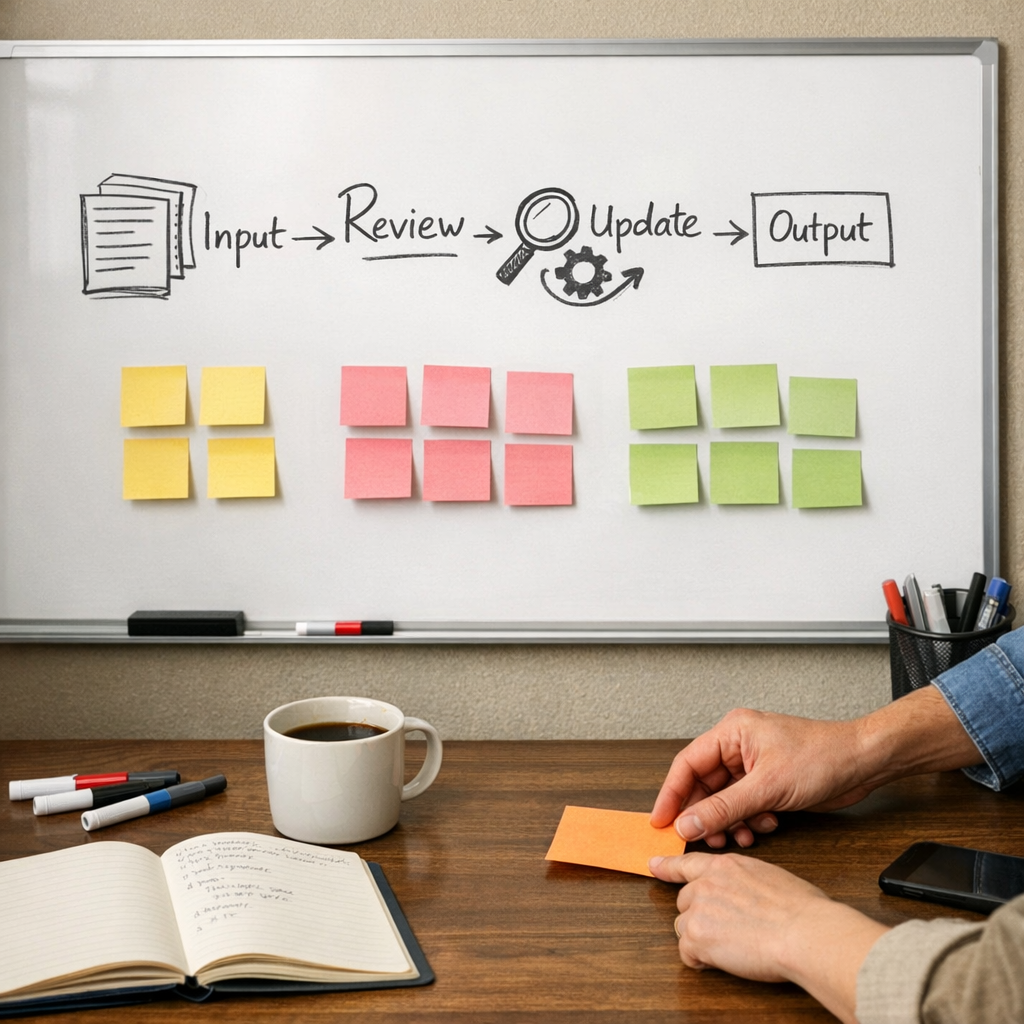
If your team is early in AI implementation, avoid starting with the most sensitive or complex workflow. Start where the scope is clear and the review path is simple.
Good candidates include:
- Lead intake summaries: AI summarizes form submissions and prepares internal notes before a salesperson reviews them.
- Support ticket classification: AI suggests category, urgency, and possible next step while exceptions go to a human.
- CRM cleanup checks: AI or automation flags incomplete records, inconsistent naming, or missing lifecycle data.
- Meeting follow-up drafts: AI turns notes into suggested tasks, but the owner approves before anything is assigned.
- Order issue triage: AI groups Shopify or support issues by type so the operations team can prioritize faster.
These use cases remove repetitive work without pretending the business no longer needs judgment.
What to document before you build
A lightweight workflow note can prevent a lot of confusion. Before implementation, document:
- The trigger that starts the workflow
- The systems involved
- The fields or data sources used
- The exact AI task
- The expected output format
- The owner of the result
- The human review step, if needed
- The exception path
- Where logs, notes, or updates are stored
This does not need to become a large operations manual. A clear one-page plan is often enough for a first version.
Trust comes from design
Teams do not trust AI workflows because the model sounds confident. They trust them because the workflow is understandable.
They know what the AI does. They know what it does not do. They know who reviews the output. They know where exceptions go. They know how to improve the system when patterns show up.
That is the practical path: not hype, not fear, just better workflow design.
If you are exploring AI agents, CRM cleanup, ClickUp structure, Make or Zapier automation, HighLevel workflows, Shopify operations, or better sales and support handoffs, ConsultEvo can help you design and implement the process in a way your team can actually use.