

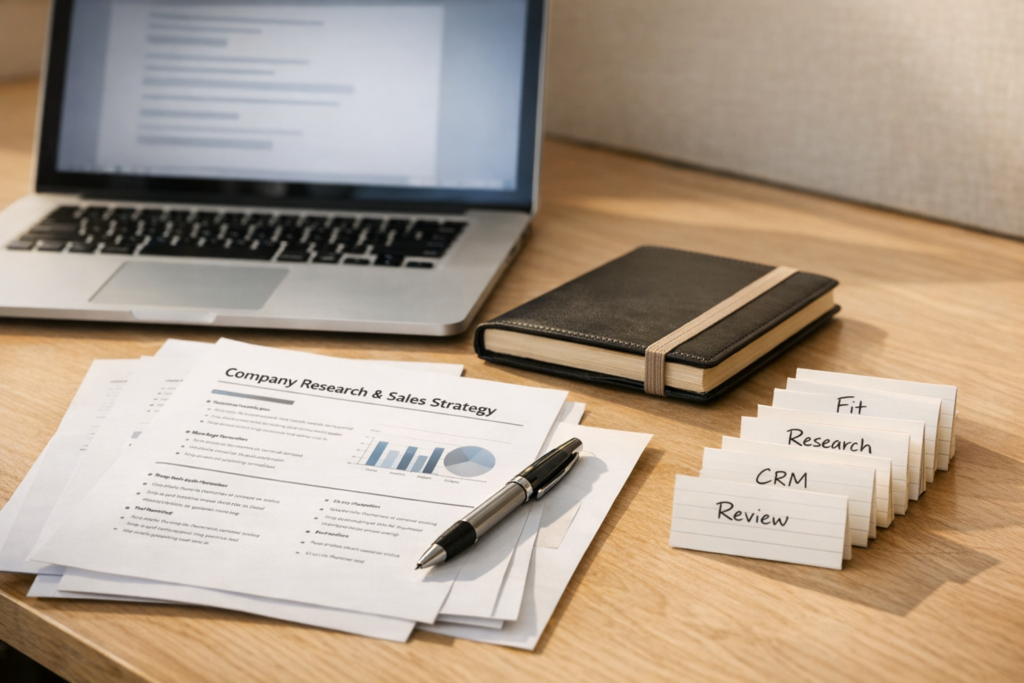
How to Build an AI Sales Agent That Prepares Work Without Sending Bad Outreach
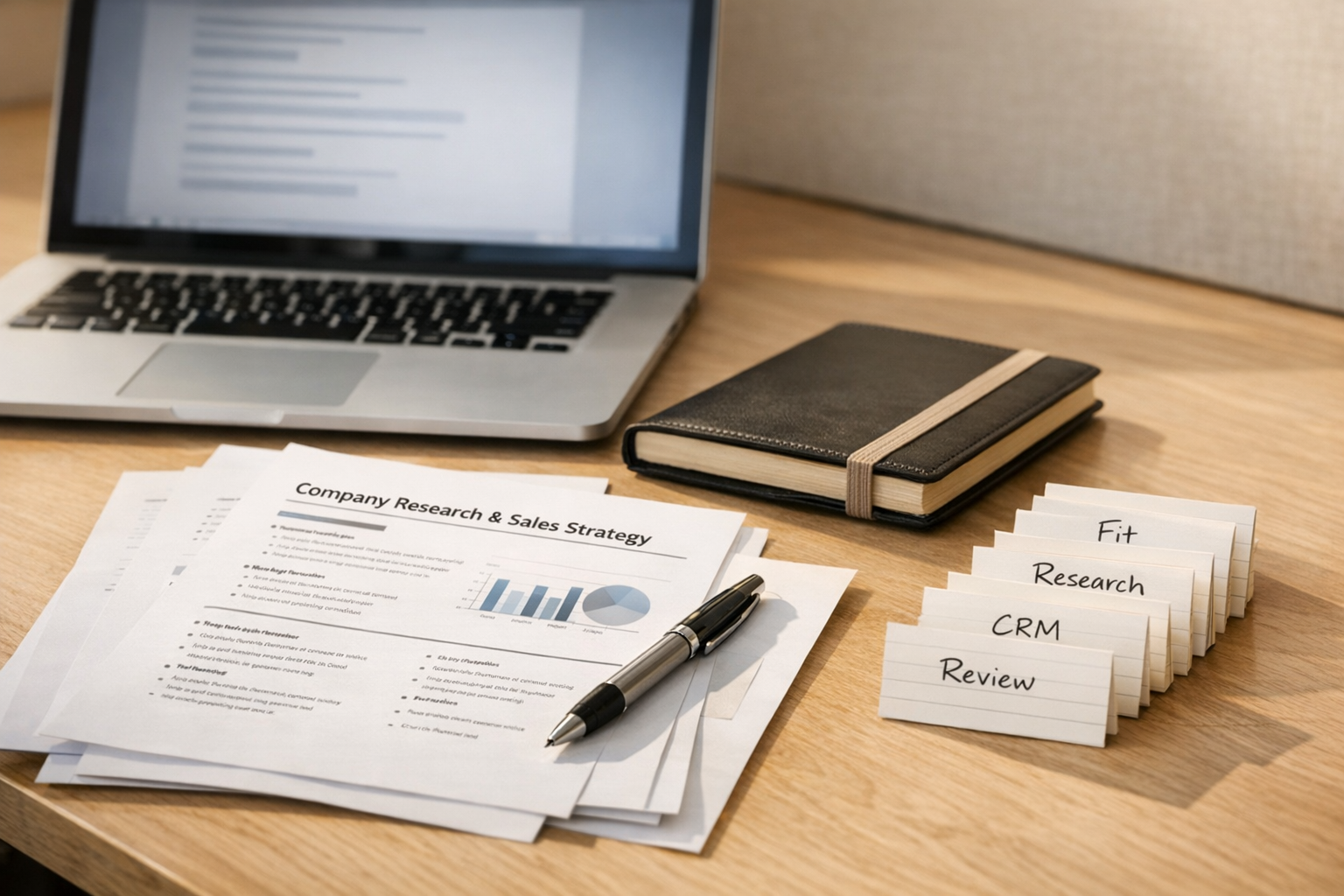
AI sales automation gets risky when the first goal is sending more messages.
That is usually the wrong starting point. If your targeting is weak, your offer is unclear, or your CRM is messy, automation will not fix the sales process. It will only make the weak parts move faster.
A better sales agent does not begin with the send button. It begins with preparation.
The practical role for an AI sales agent is to remove the manual research, enrichment, CRM updating, and first-draft work that slows the team down. The human still reviews the account, decides if the lead is worth pursuing, rewrites the message, and chooses when to contact the prospect.
That shape is much healthier for sales teams, consultants, agencies, and founder-led businesses. It gives you leverage without turning your outreach into generic automation noise.
The right question is not “Can AI send this?”
The better question is: What work must happen before a good salesperson can make a good decision?
In many sales workflows, that work includes:
- Finding companies that match your ideal customer profile.
- Filtering out poor-fit accounts before they reach the pipeline.
- Researching what the company does.
- Identifying possible operational pain points or buying triggers.
- Finding relevant decision-makers.
- Creating or updating CRM records.
- Preparing notes the salesperson can actually use.
- Drafting outreach that a human can edit.
None of these steps require the agent to speak directly to the prospect. That is the point.
The agent can move the work forward and still stop before the risky moment. For cold outreach, that review boundary matters. Human-to-human communication should still feel human.
Start with the sales process, not the tool stack
Before choosing tools, write the workflow in plain language.
For example:
- We start with a list of companies.
- The agent checks each company against our fit criteria.
- The agent researches only the companies that pass the first filter.
- The agent prepares a short internal summary.
- The agent creates or updates the CRM record.
- The agent drafts a possible email or LinkedIn message.
- A human reviews, edits, and decides whether to send.
This sequence is more important than the specific software. You could build versions of this with CRM workflows, Make, Zapier, custom scripts, AI assistants, or a mix of tools. The stack depends on your existing systems.
But if the sequence is unclear, the automation will be unclear too.
Define the ICP in operational language
A sales agent needs criteria. Vague targeting creates vague output.
Instead of saying “we sell to growing companies,” define what a good-fit company looks like in terms the agent can evaluate.
For example:
- Industry or business model.
- Company size range.
- Geography, if relevant.
- Operational complexity.
- Signals that the company has a problem you can solve.
- Signals that the company is too early, too small, or not relevant.
- Reasons to skip the account.
This does not need to be perfect on day one. In fact, it probably will not be. Your ICP should improve as you review results. The important thing is to make the criteria explicit before you automate scoring, research, or CRM updates.
Use a simple review canvas
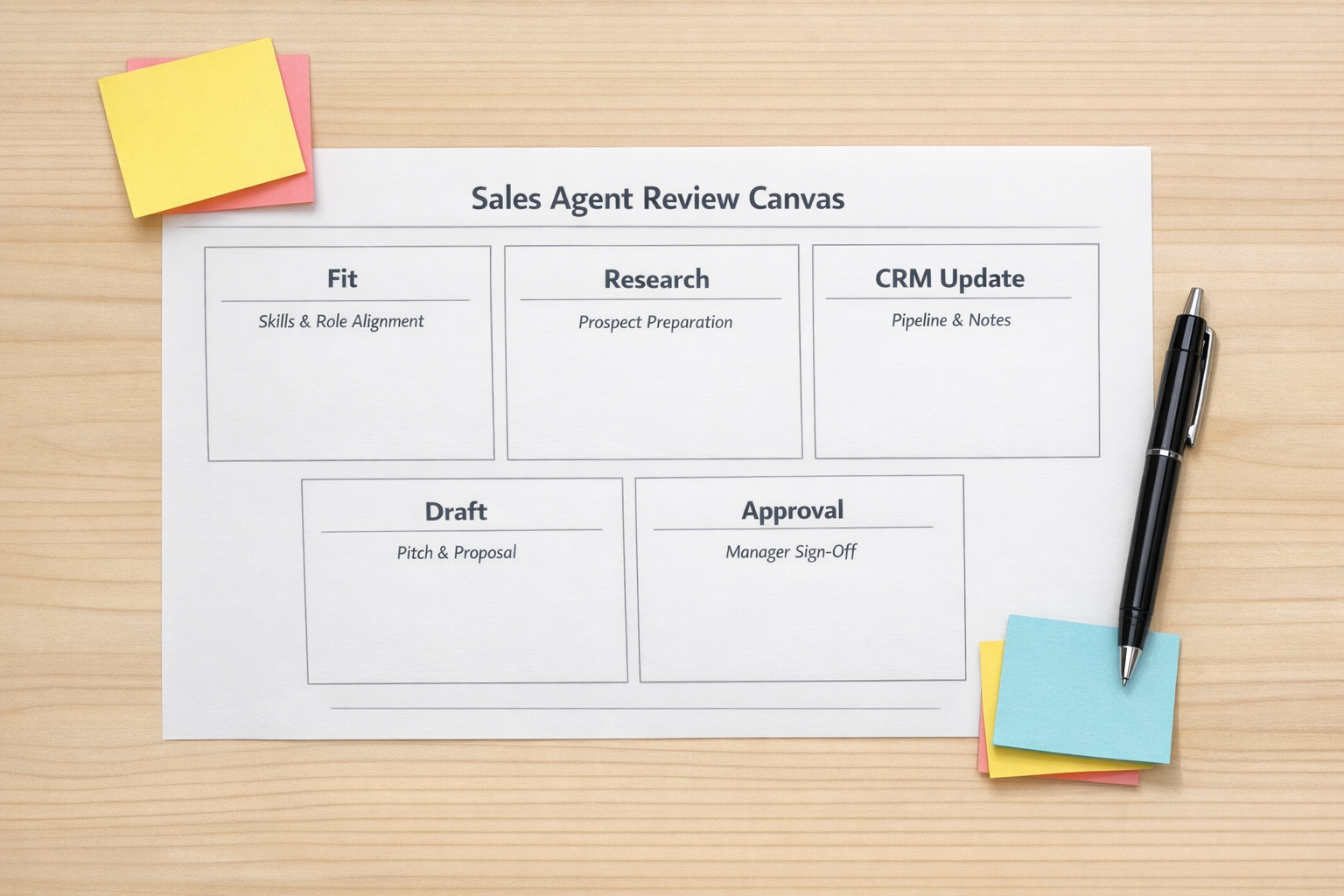
One useful way to design the workflow is to create a review canvas before building any automation.
Keep it simple:
- Input: What information does the agent receive?
- Fit check: What makes a company worth researching?
- Research output: What should the agent summarize?
- CRM action: What fields should be created or updated?
- Draft output: What kind of message should be prepared?
- Human approval: What must be reviewed before sending?
- Stop rule: What is the agent not allowed to do?
The stop rule is especially important. A useful sales agent should have permissions and boundaries. Creating a draft is different from sending a message. Updating a CRM record is different from changing a deal stage. Summarizing research is different from making a sales judgment.
Clear boundaries make the system safer and easier to trust.
The CRM handoff is where the value compounds
Many teams focus on the outreach message, but the CRM handoff is often where the long-term value appears.
If the agent researches a company and the notes only live in a temporary chat, the value disappears quickly. If the same research becomes structured CRM data, your team can reuse it later.
A practical CRM handoff might include:
- Company summary.
- Reason the company fits or does not fit.
- Relevant people or roles.
- Possible pain points.
- Source links or research notes.
- Suggested next action.
- Draft outreach stored for review.
This gives the salesperson context before contacting the prospect. It also helps managers understand why accounts are being worked. Over time, it can improve reporting, segmentation, and follow-up quality.
Build the smallest version first
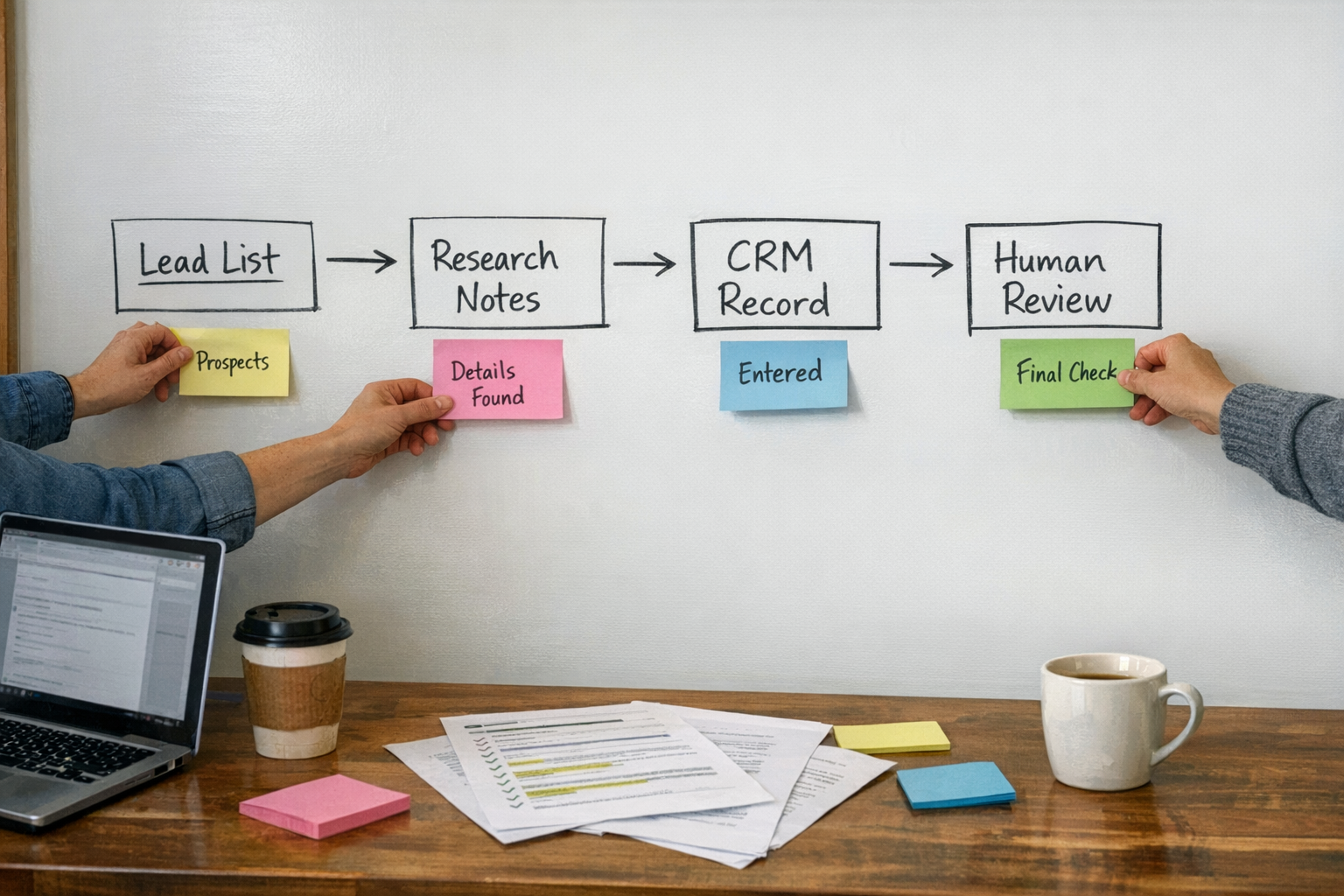
You do not need a complex agent on day one.
Start with a small manual test:
- Choose 20 companies from a source you already use.
- Write your ICP in plain language.
- Ask AI to score each company against that ICP.
- Pick the top five accounts.
- Run deeper research on those five.
- Create CRM notes manually or with a simple import.
- Generate draft outreach.
- Rewrite every message yourself.
This test will teach you what should be automated later. You may discover that your ICP needs work. You may find that the research summary is too long. You may realize that the CRM fields are not set up for this type of handoff. Those are useful discoveries.
After the manual version works, then connect the tools.
What to automate after validation
Once the workflow is proven, you can automate carefully.
Good candidates include:
- Importing new company lists.
- Running fit checks against your criteria.
- Creating research summaries.
- Adding structured notes to the CRM.
- Creating tasks for human review.
- Preparing email drafts without sending them.
- Logging review status and next steps.
Be slower with anything that contacts prospects directly. Sending, sequencing, and follow-up logic should be handled with extra care because mistakes are visible outside the company.
The goal is better judgment, not more noise
The best AI sales workflows do not remove the salesperson from the process. They remove the repetitive work around the salesperson.
That means fewer browser tabs, less copy-paste, cleaner CRM records, and better prepared conversations.
If your team is considering an AI sales agent, start by mapping the handoffs. Where does data enter? Where does research happen? Where does the CRM get updated? Where does the human approve? Where must the system stop?
At ConsultEvo, this is how we design automation: process before tools, human judgment where it matters, and AI agents focused on removing work rather than creating noise.
If you want help designing a sales research agent, CRM cleanup process, or human-reviewed outreach workflow, ConsultEvo can help you map, validate, and build it properly.