

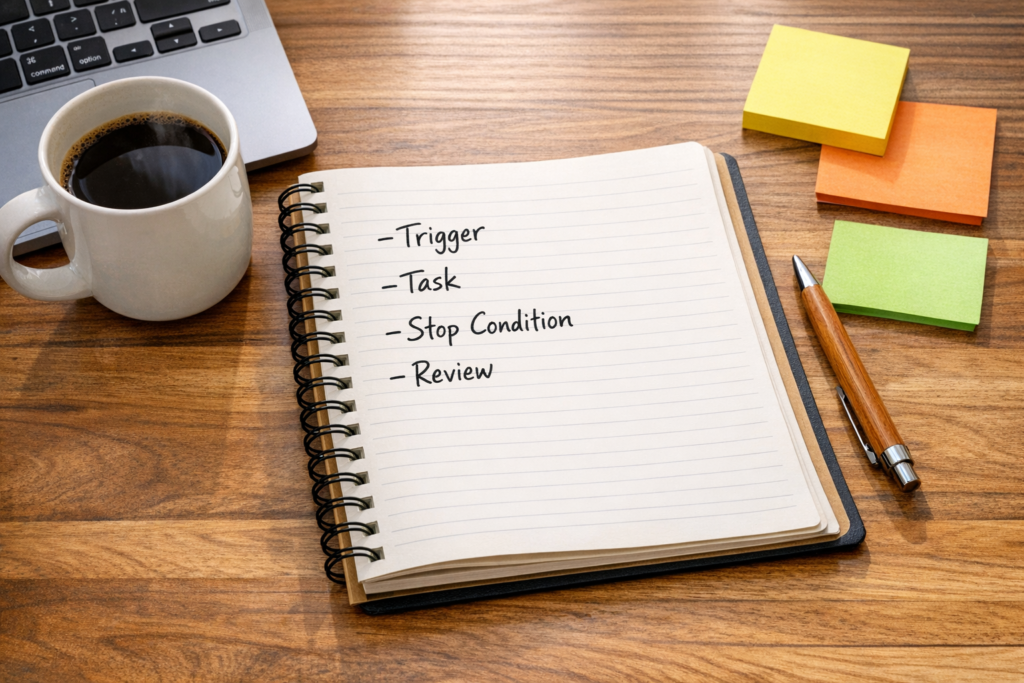
How to Design AI Agent Loops That Actually Finish the Job
AI agent loops are getting a lot of attention, but the practical idea is not new. Operators have been building recurring checks, scheduled tasks, reminders, and escalation workflows for years.
The difference now is that the recurring job can include reasoning, summarization, classification, and recommendation. Instead of only moving data from one field to another, an AI agent can inspect a situation and decide what needs attention.
That sounds powerful, and it can be. But it also creates a new problem: if the job is not clearly defined, the agent will guess.
An agent loop is a job description
The simplest way to design an AI agent loop is to stop thinking like a tool buyer for a moment and start thinking like an operator hiring for a role.
If you were giving this job to a new assistant, you would not say, “Improve our CRM.” You would explain what to check, where to look, what good work looks like, and when to ask for help.
The same principle applies to agents.
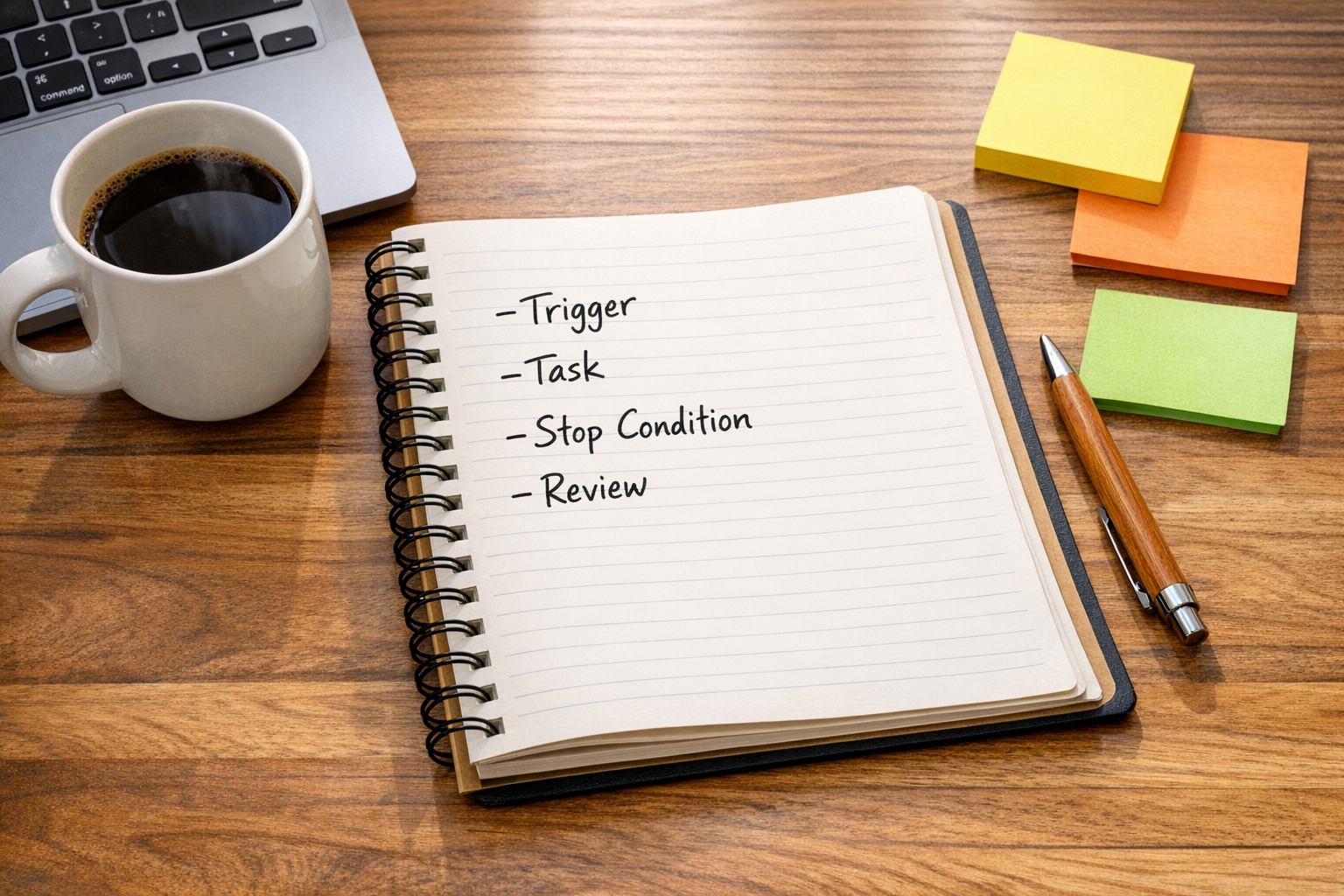
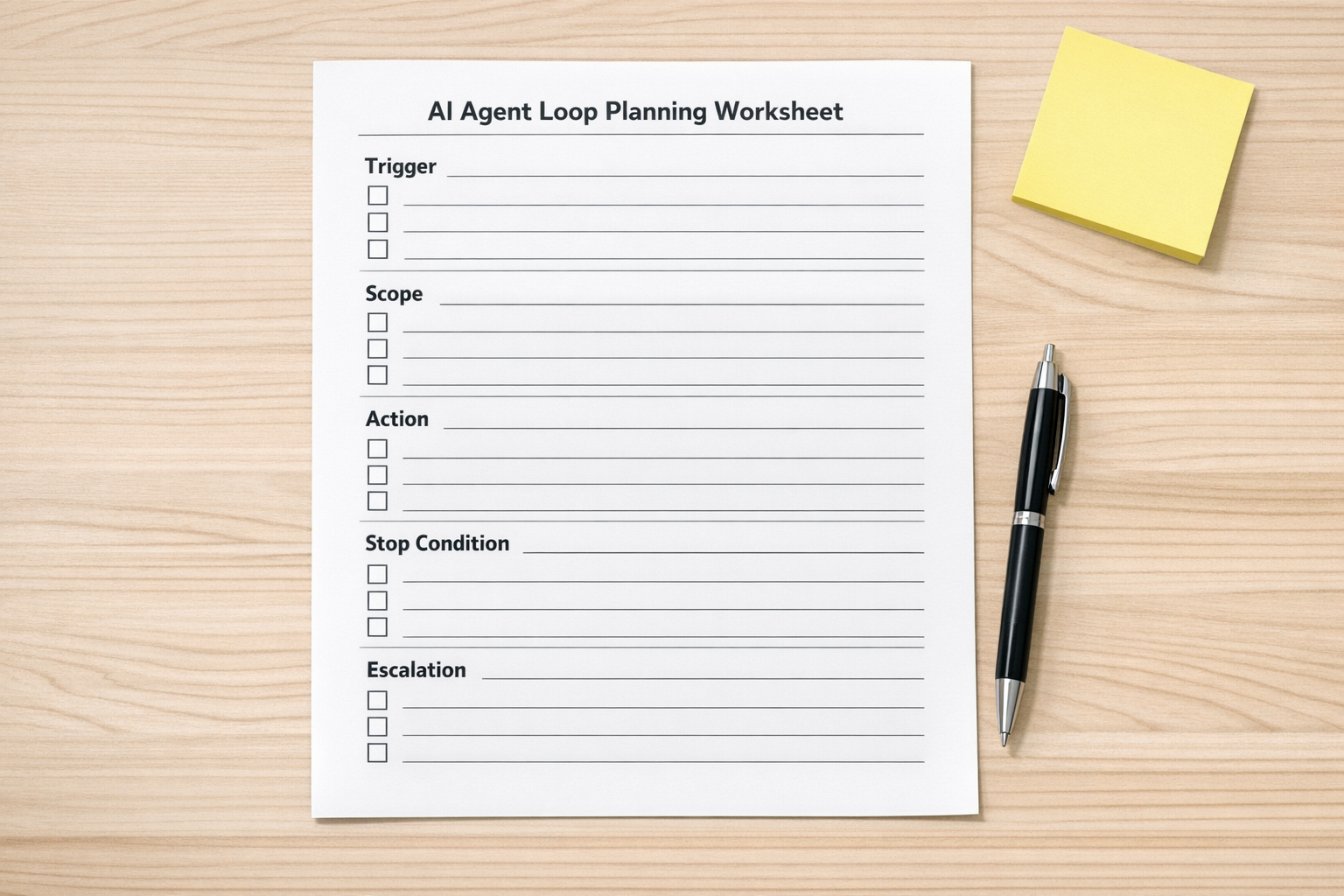
A useful AI agent loop needs five basic parts:
- Trigger: What starts the work?
- Scope: What should the agent inspect?
- Task: What should the agent do?
- Stop condition: How does the agent know the work is complete?
- Escalation: When should a person review the result?
Without these pieces, teams often end up with a workflow that feels clever in a demo but becomes noisy in daily operations.
The stop condition matters more than the prompt
Many teams spend too much time polishing the prompt and not enough time defining completion.
For example, “review open deals and improve follow-up” is too vague. What counts as improvement? Should the agent update the CRM? Draft an email? Notify a salesperson? Close stale opportunities? Keep trying until every record looks perfect?
A better version would be:
Every weekday at 8:30 AM, review open deals in the CRM that have had no activity for seven days. Create a summary grouped by owner. Flag deals missing a next step. Send the summary to the sales channel. Do not update records automatically.
This version is narrower, but it is much easier to build, test, and trust.
That is the tradeoff worth making. A smaller loop with clear boundaries usually creates more operational value than a broad agent with vague instructions.
A simple worksheet before you build
Before connecting an agent to ClickUp, HubSpot, GoHighLevel, Make, Zapier, Slack, Gmail, or any other system, write the loop in plain English.
1. Define the trigger
The trigger may be time-based, event-based, or manual.
- A daily morning review
- A new lead entering the CRM
- A support ticket staying open too long
- A ClickUp task moving into a specific status
- A form submission from a website
The trigger should be specific enough that the agent does not run unnecessarily.
2. Limit the scope
Scope protects the workflow from becoming too broad. Instead of asking an agent to inspect “all tasks,” ask it to inspect tasks in one folder, one status, or one priority group.
For CRM workflows, scope might mean only new leads, only stale opportunities, or only contacts missing key fields. For support workflows, it might mean unresolved tickets older than 48 hours.
3. Specify the output
Do you want a summary, a task, a tag, a draft message, an internal note, or a routing decision?
This is where many automations become messy. If the expected output is not clear, every run looks slightly different. That makes it harder for the team to trust the system.
4. Add a stop condition
The stop condition tells the agent when to stop working. This might be as simple as “send one summary and stop.” It might also be a validation rule, such as “continue checking until all required fields are present, then mark the record ready for review.”
If the stop condition is fuzzy, the workflow may keep retrying, keep generating output, or keep asking for interpretation.
5. Decide what needs human review
Not every loop should take action automatically. In many business workflows, the first version should inspect and recommend only.
Human review is especially important when the workflow touches revenue, customer communication, billing, legal risk, or account access.
Good places to start with AI agent loops
The best first agent loops are usually low-risk, repetitive, and review-heavy. They remove manual checking without making high-stakes decisions alone.
- CRM cleanup loop: Review new leads, flag missing fields, identify duplicates, and send a cleanup list.
- Sales handoff loop: Check whether qualified leads have an owner, next step, and follow-up date.
- Support review loop: Summarize open tickets that are aging or missing a response.
- ClickUp task review loop: Find overdue tasks, missing assignees, or unclear task descriptions before a team meeting.
- Shopify operations loop: Flag orders that need manual review based on defined conditions.
- Content validation loop: Review draft ideas against a checklist before they move into production.
These loops are useful because they reduce copy-paste, reduce manual scanning, and give the team a cleaner starting point for decisions.
Implementation planning beats tool chasing
Once the loop is clearly defined, the tool choice becomes easier. Some workflows belong in Make. Some are better in Zapier. Some should live inside CRM automation. Some need a custom agent or API-based workflow.
The tool is not the strategy. The workflow logic is.

A practical implementation plan should answer:
- Which system is the source of truth?
- Which data can the agent read?
- Which data can the agent change?
- Where should the output appear?
- Who owns exceptions?
- How will the team know if the workflow is helping?
That last question matters. Automation ROI is not only about time saved. It is also about fewer missed handoffs, cleaner data, faster reviews, and less operational confusion.
Start with inspect, then recommend, then act
A safe rollout pattern is to build the loop in stages.
Stage 1: Inspect
The agent reviews records, tasks, tickets, or messages and produces a summary. No system updates yet.
Stage 2: Recommend
The agent suggests actions, such as “assign this lead,” “add a next step,” or “review this ticket.” A human still approves the change.
Stage 3: Act with limits
Once the recommendations are consistently useful, the agent can take controlled actions. For example, it may create a task, add a tag, update a non-critical field, or send an internal notification.
This staged approach builds trust and keeps the workflow manageable.
The real skill is defining the work
AI agent loops are not magic. They are operational systems. The better you define the job, the better the agent performs.
If a process is unclear for a person, it will be unclear for an agent. If the handoff rules are vague, the agent will make inconsistent choices. If the data is messy, the output will reflect that mess.
That is why process comes before tools.
At ConsultEvo, we help teams turn messy manual workflows into clear systems using automation, AI agents, CRM workflows, ClickUp, Make, Zapier, HubSpot, GoHighLevel, Shopify, and WordPress systems. If you are considering an AI agent loop, start by mapping the job. Then build the smallest version that can be tested.
Clear loop. Clear output. Clear review path. That is where useful automation begins.